


Why Your Books Are Always Behind
Your accountant sends the same email every quarter: "Still waiting on those receipts." You know where some of them are—a shoebox, maybe a folder on your phone, probably a few crumpled in your truck's center console. The others? Gone.
I've watched this pattern crush small business owners for twenty years. The books are always behind because the work is endless. Every transaction needs categorizing. Every receipt needs matching. Every account needs reconciling. It's death by a thousand cuts—and the cuts happen every single day.
Here's what changed: there's now software that does this work while you sleep. Not theoretically. Actually. I'll show you which tools deliver and which ones are just expensive promises in a moment. But first, let me explain what's actually happening under the hood—because understanding that helps you avoid the vendors who oversell.
What Is AI Bookkeeping (In Plain English)?
AI bookkeeping is software that learns your business's spending patterns and does the tedious categorization work automatically. Think of it as a tireless assistant who never forgets that "Home Depot" always goes to "Materials" and "Verizon" always goes to "Utilities."
These tools use pattern recognition to read your bank transactions, match them to receipts you've uploaded, and file everything in the right category. They connect to your existing accounting software—QuickBooks, Xero, whatever you're already using—and work inside it rather than replacing it.
The key word is "suggest." Good AI bookkeeping tools give you recommendations, but you stay in control. You review what they've categorized. You approve the matches. You catch the edge cases where the software guessed wrong.
How AI Bookkeeping Software Actually Works
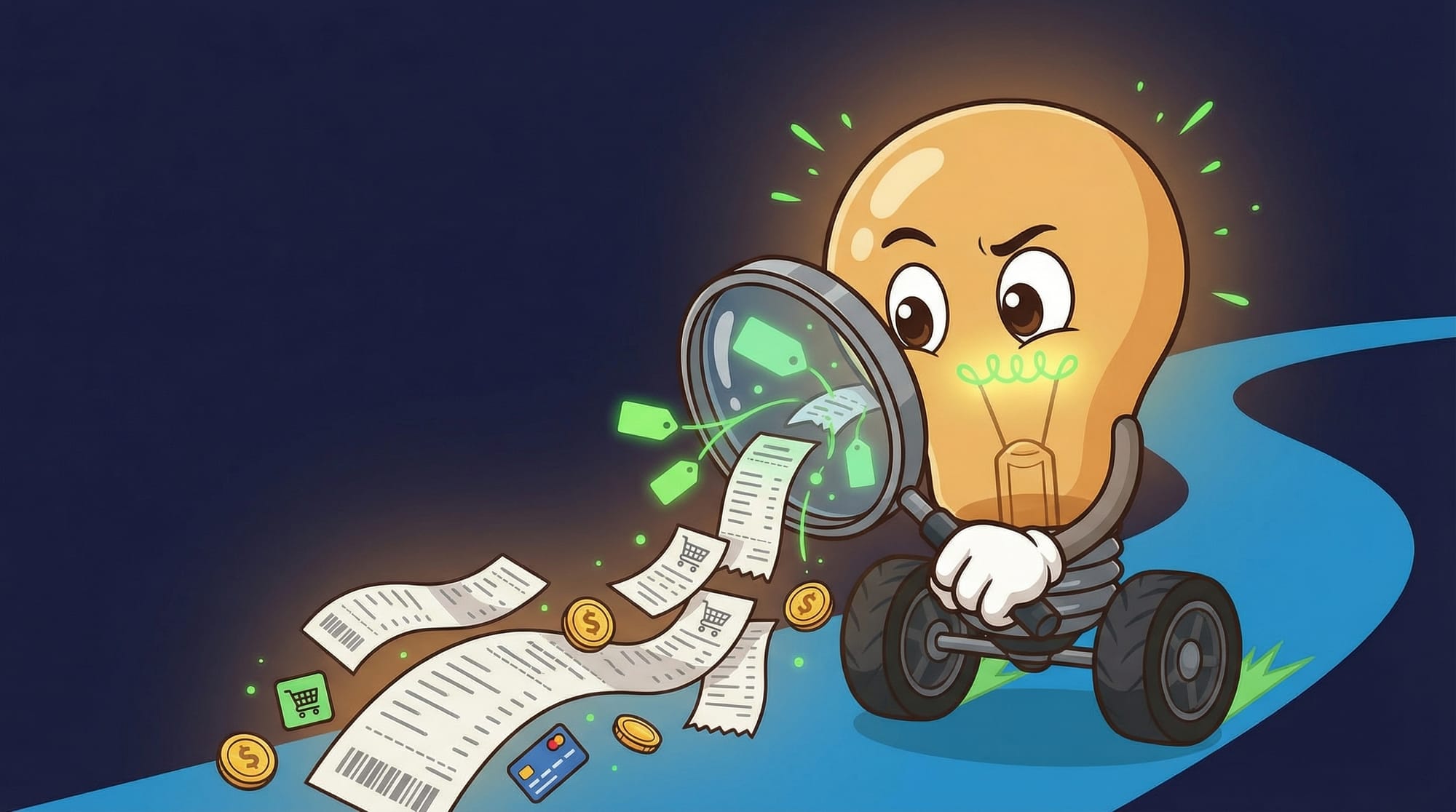
When you connect AI bookkeeping software to your bank account, it starts learning immediately. Every transaction becomes a data point. The software notices that your $47.82 charge at "AMZN MKTP" happens weekly and involves office supplies. After a few instances, it stops asking and starts categorizing automatically.
Docyt's system, for example, can extract data from over 500,000 vendors with high precision. That means when you upload a receipt from a plumbing supplier in Toledo, the software probably already knows how to read it. The categorization accuracy hits 99% once the system learns your patterns—and that learning happens fast.
The real magic is document matching. You snap a photo of a receipt. The software reads the amount, date, and vendor. Then it finds the matching transaction in your bank feed and links them together. Docyt claims near 100% accuracy on this matching, and from what I've seen with clients, that's not far off.
- Connect to your bank accounts and accounting software
- The AI scans incoming transactions and learns your patterns
- You upload receipts via phone app or email forwarding
- Software matches receipts to transactions automatically
- You review and approve categorizations in batches
- Clean books sync to your accountant's system
The Pattern Nobody Mentions: Why Manual Fails at Scale
Here's the counterintuitive truth I promised: the problem isn't that you're bad at bookkeeping. The problem is that manual bookkeeping doesn't scale—and your business grew past the point where it works.
When you had 50 transactions a month, you could categorize everything in an afternoon. Now you have 300. Maybe 500. The work grew 10x, but you didn't hire a bookkeeper because "it's just data entry." So the backlog grows. And grows. And grows.
The vendors won't tell you this, but AI bookkeeping doesn't solve a technology problem. It solves a math problem. The math says you can't manually categorize 500 transactions a month without either hiring someone or falling behind. AI changes that equation because software that costs $30/month can process unlimited transactions.
Instant Books reports saving users 6-10 hours every week and reducing manual work by 80%. That's not marketing fluff—that's the math problem getting solved. Those hours exist because someone was doing the work manually. Now they're not.
How to Choose AI Bookkeeping for Your Business
Not every AI bookkeeping tool fits every business. The right choice depends on what you're already using, how many transactions you process, and whether you need an accountant in the loop.
Here's my framework for evaluating options:
- **Integration first:** Does it work with QuickBooks or Xero? Booke AI and Docyt both integrate directly rather than replacing your existing system. If a tool requires you to switch accounting platforms, walk away.
- **Security audit:** Look for bank-level AES-256 encryption and isolated data storage. Booke AI keeps each client's data separate with no cross-client sharing—that's the standard to expect.
- **Human control:** The software should suggest, not decide. Intuit's AI agents explicitly let you review and edit before anything posts. Avoid tools that auto-post without approval.
- **Learning speed:** Good tools improve accuracy over time. Ask how long until the system learns your patterns. Most reach 90%+ accuracy within the first month.
- **Pricing clarity:** Watch for hidden costs. Instant Books is $29.99/month with a 7-day free trial—that's transparent. Some tools charge per transaction or per user, which gets expensive fast.
If you're already wrestling with operational efficiency, AI bookkeeping is one of the fastest wins available. The ROI calculation is simple: hours saved times your hourly rate minus the software cost.
When AI Bookkeeping Falls Apart
I'd be lying if I told you this was foolproof. AI bookkeeping breaks in specific, predictable ways.
The worst failure mode: unusual transactions. When you make a one-time purchase that doesn't match any pattern—say, buying equipment from a vendor you'll never use again—the software guesses. Sometimes it guesses wrong. If you're not reviewing regularly, that wrong guess becomes a wrong entry in your books.
The second failure mode is garbage in, garbage out. If your bank descriptions are cryptic—"POS DEBIT 4829 LOC 7781"—the AI can't work miracles. Some banks provide better transaction data than others. If yours doesn't, you'll do more manual matching.
The third: receipt quality. Crumpled receipts, faded thermal paper, photos taken in bad lighting—these defeat the document scanning. The fix is easy (take better photos) but requires discipline.
What Good AI Bookkeeping Looks Like in Practice

Let me paint the picture of how this actually works when it's working well.
Monday morning. You open Booke AI or Docyt and see a dashboard showing 47 transactions from the past week. 44 are already categorized and matched to receipts. The software is 99% confident about those. Three are flagged for review: an unusual vendor, a duplicate charge, and a transaction without a receipt.
You spend 8 minutes reviewing. Two of the flags are fine—you approve them. One is actually a duplicate charge from your credit card processor. You flag it for dispute. Done.
Compare that to the old way: printing bank statements, sorting through a pile of receipts, manually entering each transaction, hoping you didn't miss anything. That's a Sunday afternoon gone. Now it's a coffee break.
The tools are getting better at edge cases, too. Intuit's AI learns your unique business over time, improving its suggestions for expenses, cash flow, and profitability. The more you use it, the less you review.
The Hidden Costs Nobody Quotes
Software vendors love to quote the monthly fee. They're less eager to mention the other costs.
- **Setup time:** Connecting accounts, uploading historical receipts, training the AI on your patterns—plan for 4-6 hours the first week
- **Learning curve:** You'll make mistakes. Approve something wrong, have to fix it later. Budget an extra 2-3 hours in month one for corrections
- **Receipt discipline:** The software only works if you actually upload receipts. If your team isn't trained, you'll have gaps
- **Accountant alignment:** Your accountant needs to know you're using AI bookkeeping. Some love it (less cleanup work). Some hate it (loss of control). Have the conversation early
- **False confidence:** The biggest hidden cost is trusting the software too much. Always review. Always verify. The AI is good, not perfect
These aren't reasons to avoid AI bookkeeping—they're reasons to go in with realistic expectations. The tools deliver massive time savings, but they're not magic.
Your First Week With AI Bookkeeping
Here's exactly what to do if you're ready to try this:
- Pick a tool based on your accounting software. If you use QuickBooks Online, start with Booke AI or Intuit's built-in AI features. If you use Xero, Booke AI also integrates there. If you manage multiple businesses, look at Docyt.
- Start the free trial before committing. Instant Books offers 7 days free; most others have similar trial periods. Use that time to test with real transactions.
- Connect one bank account first—not all of them. Learn how the software works with a controlled sample before expanding.
- Upload 30 days of receipts. Take clear photos in good lighting. This trains the AI on your actual spending patterns.
- Review the AI's categorizations daily for the first week. You're teaching it. Correct mistakes immediately so it learns faster.
- If accuracy isn't above 85% after 50 transactions, the tool might not be right for your business. Cut your losses and try another.
- Once accuracy hits 95%+, switch to weekly reviews. Budget 15-20 minutes every Monday morning.
If you're also dealing with invoice headaches, AI invoicing tools pair well with bookkeeping automation—the receipt from your supplier becomes the expense entry, and the invoice to your customer becomes the revenue entry. Same pattern, both directions.
What This Means for Your Books Next Quarter

- AI bookkeeping software can automate 80% of daily bookkeeping tasks, saving 6-10 hours weekly
- Categorization accuracy reaches 99% once the system learns your patterns—but plan for a learning period
- The tools integrate with QuickBooks and Xero rather than replacing them; you stay in control
- Hidden costs include setup time (4-6 hours), learning curve, and the discipline to upload receipts consistently
- Start with one bank account and 30 days of receipts; expand only after accuracy exceeds 95%
FAQ
Does AI bookkeeping replace my accountant?
No. AI handles the data entry and categorization—the grunt work. Your accountant still handles tax strategy, financial planning, and the judgment calls that require human expertise. Most accountants love AI bookkeeping because they get cleaner data and can focus on higher-value work.
How secure is AI bookkeeping software?
The reputable tools use bank-level security. Booke AI, for example, uses AES-256 encryption and keeps each client's data completely isolated—no cross-client sharing. Look for annual security audits from QuickBooks or Xero as a trust signal. Avoid any tool that can't clearly explain its security practices.
What if the AI categorizes something wrong?
You fix it, and the AI learns. Good tools use your corrections to improve future categorizations. At 99% accuracy, expect about 1 error per 100 transactions—so 5 errors a month if you process 500 transactions. Weekly reviews catch these before they compound.
How much does AI bookkeeping cost?
Entry-level tools like Instant Books start at $29.99/month. More comprehensive platforms like Docyt cost more but handle multiple businesses and more complex workflows. The ROI calculation is simple: if the software saves you 6 hours weekly and your time is worth $30/hour, that's $720/month in value for a $30-100 tool.
Can I try AI bookkeeping before committing?
Yes. Most tools offer free trials—Instant Books gives you 7 days. Use the trial with real transactions from one bank account. If accuracy doesn't hit 85% after 50 transactions, try a different tool.


