


I've been digging into the email productivity research lately, and one number stopped me cold: the average professional checks email every six minutes. Every six minutes. And here's the part that should make you angry—each interruption costs twenty-three minutes to refocus.
Run that math. You're not just losing time to email. You're losing time to the recovery from email. Your entire day becomes a series of context switches, and the actual work—the stuff that moves your business forward—gets squeezed into whatever fragments remain.
In a minute, I'll explain why the obvious solution fails and what actually works instead. But first, let me show you what's really happening with your time.
Why Does Your Inbox Feel Like a Second Job?
The research is brutal. An average professional spends 4.1 hours a day managing email. In a 40-hour work week, that's more than half your productive time lost to reading, sorting, drafting, and deleting messages.
For small business owners, it's often worse. You don't have an assistant filtering things. Every message lands on you—the vendor questions, the customer complaints, the newsletters you subscribed to three years ago, the urgent requests buried under a pile of FYI threads.
And if you're in a leadership role handling 200-300 emails daily? That adds up to more than one full workday every week dedicated solely to inbox management. Not strategy. Not sales. Not serving customers. Just email.
This is why inbox zero feels impossible. It's not a willpower problem. It's a math problem. And the math is working against you.
What Does an AI Email Assistant Actually Do?
An AI email assistant is software that helps manage, write, and organize your email automatically. But that description undersells what's actually happening in 2026. These tools have evolved dramatically from the basic spam filters of five years ago.
Modern AI email assistants can draft responses in your writing style, summarize long email threads into a few sentences, predict which messages actually need your attention, and automate entire workflows—like following up with leads or routing support requests.
The shift happened quietly. What used to require a human assistant now happens in the background. 82% of professionals who use email now incorporate some AI features into their workflow. And industry-leading companies are three times more likely to report productivity gains from these tools.
- **Automated drafting:** The software writes responses based on your past emails and the current context
- **Intelligent prioritization:** Messages get sorted by actual importance, not just sender or subject line
- **Conversation summarization:** Long threads get condensed into the key points
- **Predictive composition:** The tool anticipates what you want to say and offers suggestions
- **Workflow automation:** Repetitive email tasks happen without your involvement
How Do the Three Layers of Email Automation Work?
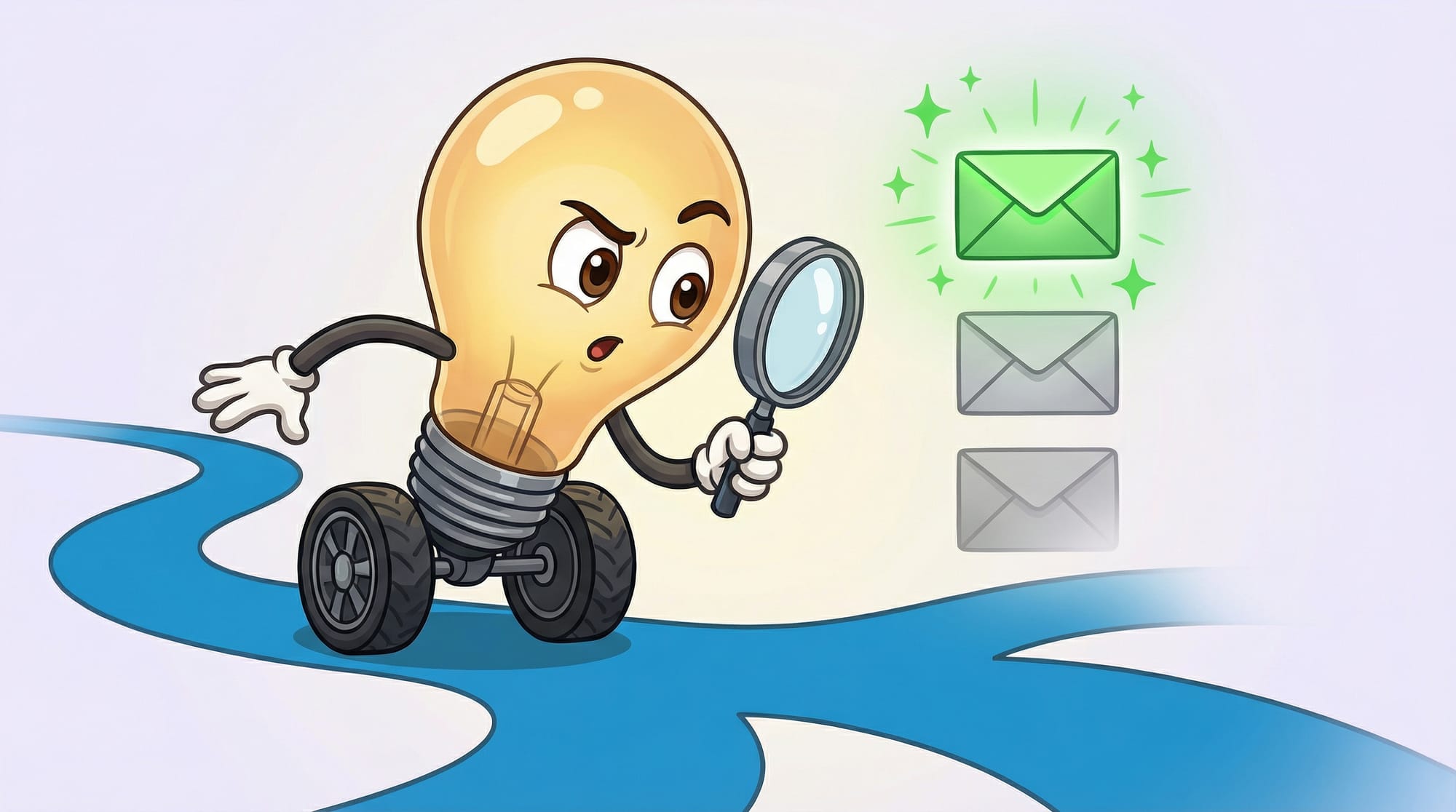
Not all email AI works the same way. Understanding the three layers helps you choose tools that actually solve your problem—instead of adding another thing to manage.
**Layer 1: Sorting and Prioritization.** This is the foundation. The AI learns which emails matter to you and which don't. Tools like SaneBox excel here—they watch what you open, what you ignore, and what you respond to quickly. Over time, they sort your inbox automatically. The important stuff surfaces. The noise disappears into folders you never have to touch.
**Layer 2: Writing and Responding.** This layer handles the actual composition. Grammarly makes your writing clearer and more professional. Other tools draft entire responses based on context. You review, maybe tweak a word or two, and hit send. What used to take five minutes now takes thirty seconds.
**Layer 3: Workflow Orchestration.** This is where email AI becomes genuinely transformative. The software doesn't just manage messages—it takes actions. A support request comes in, gets categorized, triggers a response, updates your CRM, and schedules a follow-up. All automatically. You might never see that email at all.
Why the Obvious Solution Usually Fails
Here's the counterintuitive part I promised. When most people discover AI email assistants, they think: "Great, I'll automate everything and my inbox problem goes away." That approach almost always backfires.
The real bottleneck isn't the volume of email. It's the decisions about email. Which messages need a personal response? Which can be templated? Which should be delegated? Which can be ignored entirely?
If you automate before you've answered those questions, you end up with a different problem: customers getting robotic responses that damage relationships, important messages getting lost in automation rules, and more time spent fixing the automation than you saved using it.
The businesses that actually reach inbox zero don't start with the fanciest AI tools. They start by auditing what's actually in their inbox. They identify the 20% of email patterns that consume 80% of their time. Then they automate those specific patterns, one at a time, with clear rules for what stays human.
Which AI Email Assistant Fits Your Business?
The best AI email assistant depends entirely on your situation. Here's how the main options break down:
**If you're drowning in volume and need automatic sorting:** SaneBox is the practical choice. Starting at $3.49/month, it learns your email behavior and sorts messages before you see them. The SaneBlackHole feature is particularly useful—drag a sender there once, and you'll never see their emails again. Users report saving 100+ hours yearly.
**If you live in Outlook and want deep integration:** Microsoft Copilot Pro works inside the tools you already use. It summarizes threads, drafts responses, and catches meeting conflicts. The learning curve is minimal if you're already in the Microsoft ecosystem.
**If writing quality matters most:** Grammarly at $30/month focuses on making every email clearer and more professional. It's not about automation—it's about making the emails you do write actually land.
**If you want speed above all else:** Superhuman Mail is built for professionals who process hundreds of emails daily. It's more expensive, but users consistently report dramatic productivity gains. The keyboard shortcuts alone save measurable time.
**If you use Gmail and want maximum automation:** Tools like Inbox Zero (now serving 15,000+ users) and Hey Help can automate up to 80% of email admin directly inside Gmail with zero training or data migration required.
For most small business owners, I'd recommend starting with SaneBox for sorting, then adding a writing tool once you've got the volume under control. Trying to solve both problems simultaneously usually means solving neither well.
If you're evaluating multiple tools for your business, I covered the evaluation framework in detail in my article on choosing the right AI tool for your specific situation.
What Breaks When You Deploy Email AI?
I've seen email automation fail in predictable ways. Knowing these patterns in advance saves you from learning them the hard way.
**Context loss in automated responses.** The AI drafts a perfectly reasonable reply—but it doesn't know that this particular customer is already frustrated from three previous interactions. Automation without context awareness can damage relationships you've spent years building.
**The "false inbox zero" trap.** Everything looks sorted. The inbox is empty. But important messages are sitting in automation folders you forgot to check. One client told me they missed a major contract opportunity because the email got categorized as "vendor outreach" and sat unread for two weeks.
**Over-automation fatigue.** After the initial setup excitement, people stop reviewing what the AI is doing. Slowly, errors compound. Customers get duplicate responses. Important threads get contradictory replies. By the time you notice, there's a mess to untangle.
- **The wrong tone:** AI writing that's too formal (or too casual) for your brand voice
- **Reply-all disasters:** Automated responses going to entire threads instead of individuals
- **Time zone blindness:** Sending automated follow-ups at 3 AM recipient time
- **The escalation gap:** No clear path for when automation hits something it can't handle
How Do You Know Your Email AI Is Working?
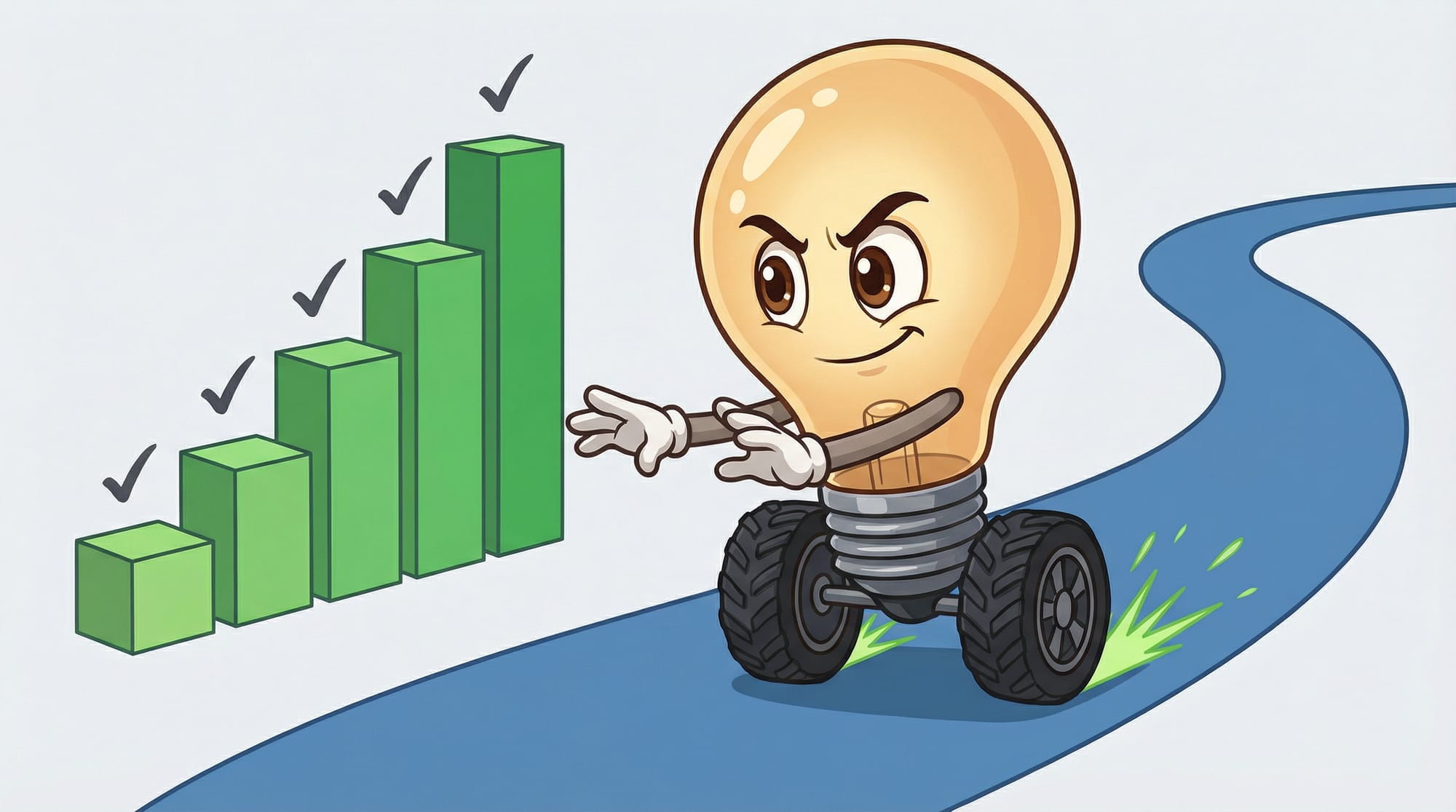
Verification matters. Without clear metrics, you can't tell if the tool is helping or just creating new problems in different places.
- **Time-to-empty inbox:** Track how long it takes to clear your inbox each morning. Should decrease within 2 weeks of deployment.
- **First response time:** Measure how quickly emails get a reply. Customers notice this metric even when they don't articulate it.
- **Email touches:** Count how many times you interact with an average email before it's resolved. This should drop significantly.
- **Unsubscribe complaints:** If customers start unsubscribing or complaining about robotic responses, your automation is hurting more than helping.
- **Important emails caught:** Set up a weekly check—did any genuinely important messages end up in the wrong folder?
- **Draft acceptance rate:** What percentage of AI-written drafts do you send without editing? Above 70% means the tool has learned your style.
The goal isn't perfection on day one. It's consistent improvement week over week. If metrics plateau or decline, something in your setup needs adjustment.
Your First Week With an AI Email Assistant
Here's exactly what to do, starting Monday morning:
- **Audit your current inbox (30 minutes).** Count how many emails arrived in the past 7 days. Categorize them: customer requests, internal, newsletters, vendor, spam. Identify the top 3 categories by volume.
- **Pick one tool to start (15 minutes).** If your top category is "newsletters and noise," start with SaneBox at $3.49/month. If it's "writing takes too long," start with Grammarly. Don't try to solve everything at once.
- **Set a baseline metric.** Before deploying anything, measure your current time-to-empty-inbox. Check your inbox and note the time when you start and finish processing. You need this number to prove the tool is working.
- **Deploy with minimal automation first.** Turn on the sorting features. Leave automated responses OFF for the first week. You're training the system, not trusting it yet.
- **Review the AI's decisions daily for 5 days (10 minutes each).** Check where emails got sorted. Correct anything wrong. This training period is non-negotiable—skip it and you'll have problems in week 3.
- **If your draft acceptance rate is below 50% by day 5,** spend 20 minutes feeding the tool examples of emails you've already sent. The AI needs more context about your voice.
- **Enable one automated response category in week 2—and only one.** Pick the lowest-risk, highest-volume pattern. For most businesses, that's out-of-office acknowledgments or newsletter subscription confirmations.
- **Budget $10-50/month for the first 90 days.** Start with the cheapest tier that covers your main problem. Upgrade only after you've proven value at the basic level.
What AI Email Assistants Mean for Your Productivity in 2026
- **The math has shifted:** At 4.1 hours daily on email, you're losing more than half your productive time. AI email assistants can reclaim 80% of that—but only with deliberate setup, not magic-button automation.
- **Start with sorting, then add writing:** SaneBox ($3.49/month) handles volume. Grammarly ($30/month) handles quality. Layer them in that order for most small businesses.
- **The bottleneck is decisions, not volume:** Audit which email patterns consume your time before automating anything. The 20/80 rule applies here.
- **Two weeks of daily review is mandatory:** Skip the training period and the AI will embarrass you. Invest the 10 minutes daily, and the tool learns your actual patterns.
- **Track time-to-empty-inbox weekly:** If this metric isn't improving, something in your setup is wrong. Don't add more automation—fix what's already deployed.
Email doesn't have to own your schedule. The tools exist. The cost is negligible compared to the time you'll recover. The only question is whether you'll actually deploy one this week—or let another month slip by.
Frequently Asked Questions About AI Email Assistants

Will an AI email assistant read all my emails?
Yes—that's how it learns. The tool analyzes your incoming and outgoing messages to understand your priorities and writing style. Reputable tools like SaneBox and Superhuman have clear privacy policies about data handling. If this concerns you, look for tools that process data locally rather than sending everything to cloud servers.
How long until I see results from email AI?
Most users report noticeable improvement within 1-2 weeks. The sorting features work almost immediately—you'll see a cleaner inbox on day one. The writing assistance takes longer because the AI needs examples of your style. Full workflow automation typically requires 30-60 days of training.
Can I use an AI email assistant with my existing email provider?
Most tools work with Gmail and Outlook. Some work with both. Check compatibility before signing up. If you're using a less common email provider, your options are more limited—SaneBox has the widest provider support.
What happens if the AI makes a mistake in an important email?
That's why the deployment strategy matters. During the first two weeks, you review everything before it sends. Most tools let you set rules about which emails require human approval. For high-stakes communications, keep approval gates in place permanently. The AI handles the routine; you handle the relationships.
Is inbox zero actually achievable for a small business owner?
Yes—but not the way most people imagine. True inbox zero isn't about deleting everything. It's about having a system where every email is either handled, delegated, scheduled, or archived. AI tools make this sustainable by handling the decision overhead that usually causes inbox bankruptcy.


