


Why Your Competitor Never Misses a Call (And You Do)
Here's something I've watched happen to small businesses for twenty years: the owner who built the company on personal relationships starts losing deals to someone half their age with a fraction of their experience.
The mystery isn't hard to solve once you see it. Your competitor isn't working harder. They're not smarter. They just answer the phone at 8:47 PM on a Tuesday when a homeowner finally gets around to calling about that roof leak.
I'll show you the real bottleneck in a minute—it's not what most people assume. First, let me give you a number that should make you uncomfortable.
30-60% of calls to small businesses go unanswered or missed. That's not a typo. For every ten people who call your business, three to six of them hear ringing, get voicemail, or give up before anyone picks up. Those aren't tire-kickers. People who call are ready to buy. And they're calling your competitor next.
One real estate company I came across in my research fielded over 400 calls through an AI receptionist, qualified 80 leads, and closed over $800,000 in new home sales within six weeks. A car dealership generated $30,000 in new revenue within the first five days of automating their outbound follow-up calls. These aren't enterprise companies with IT departments. These are businesses your size.
What Is an AI Receptionist, Really?
Strip away the marketing and an AI receptionist is software that answers your phone, talks to callers like a human would, and takes action based on what they need.
It's not the robot voice from 1995 that makes you press 1 for sales and 2 for support. Modern AI receptionists understand what callers actually say. Someone calls and says 'I need to reschedule my appointment for next Thursday instead of Wednesday'—the software gets it, checks your calendar, makes the change, and confirms it with the caller. All in one conversation that sounds like talking to a friendly human.
The key difference from the old phone tree systems: intent and context. According to Synthflow's documentation, unlike IVRs or chatbots, voice AI understands intent and context—it can handle interruptions, clarify questions, and maintain a friendly, natural tone. Your caller doesn't have to speak in robot-friendly phrases or navigate a menu. They just talk.
For small businesses, this matters because you probably don't have someone dedicated to answering phones. You're the owner, you're on a job site, you're in a meeting, you're picking up your kids. The phone rings and it goes to voicemail. An AI receptionist means that phone gets answered every single time—24/7, weekends, holidays, 3 AM.
How AI Receptionists Actually Work
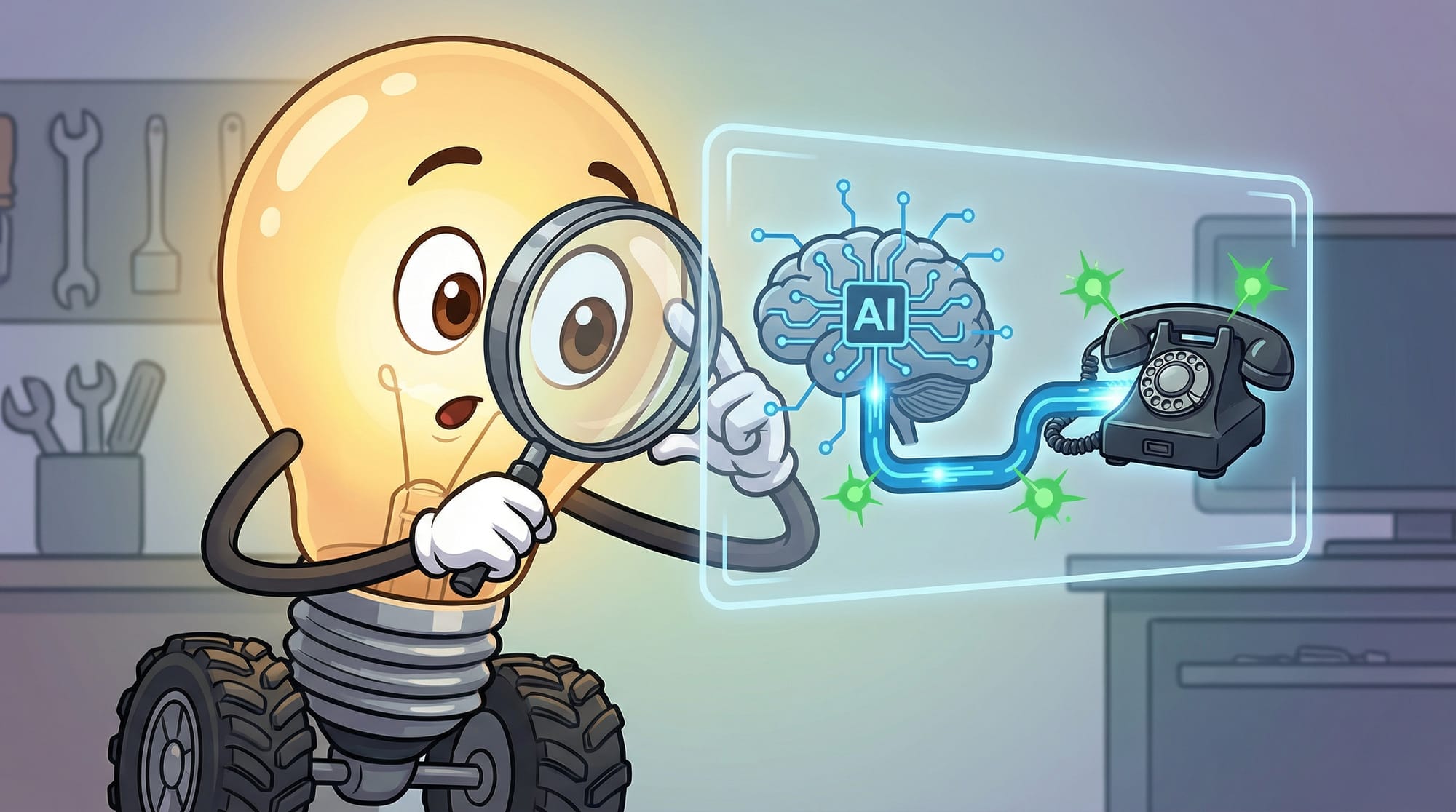
The technology behind this has gotten remarkably simple to set up, even if the underlying systems are complex. Here's what happens when someone calls your number:
- The call routes to your AI receptionist (either your main number or a forwarding setup)
- The software listens to what the caller says and converts speech to text in real-time
- The AI processes the intent—are they scheduling, asking a question, complaining, or trying to reach a specific person?
- Based on rules you've set, it responds naturally, takes action (books appointment, updates your CRM, sends a text confirmation), or routes to a human if needed
- You get a summary of every call, often with a transcript and recording
Most platforms let you customize the persona—name, voice, communication style—and feed it information about your business. Common questions, pricing, hours, services. The AI uses this to answer caller questions without making things up.
One platform claims setup in about 3 minutes: add your business info, select a persona, input common questions. Others take 15-30 minutes for more complex configurations. Either way, you're not spending weeks on implementation.
The Part Most Business Owners Get Wrong About Phone Automation
Here's the bottleneck I promised to explain. Most business owners think their phone problem is about not having enough staff. So they consider hiring a receptionist ($30,000-40,000/year plus benefits) or an answering service ($200-500/month for limited hours).
But that's not actually the problem. The problem is coverage gaps.
Your receptionist goes to lunch. Your answering service stops at 6 PM. Your team is on another call. The phone rings and nobody picks up. According to the evidence I reviewed, around 80% of callers used to hit zero and reach a human operator at one company. After implementing an AI receptionist, only about 20% reach the operator—because the AI handles the rest competently.
The counterintuitive truth: you don't need more people answering phones. You need something that never stops answering phones. A human receptionist is great for complex situations and relationship-building. But for the routine calls—hours, directions, scheduling, basic questions—AI handles it faster and more consistently than a human who's also trying to do five other things.
What an AI Receptionist Can (And Can't) Handle
Let's get specific about capabilities. Based on current platforms, here's what AI receptionists reliably do well:
- Answer calls 24/7 with natural-sounding conversation
- Book, reschedule, and cancel appointments directly in your calendar
- Answer frequently asked questions (hours, location, pricing, services)
- Route urgent calls to the right person based on rules you set
- Send text confirmations and follow-ups to callers
- Update your CRM with call details and lead information
- Handle multiple calls simultaneously (no busy signals)
- Support multiple languages (varies by platform)
What they don't handle well:
- Truly complex complaints that require empathy and judgment
- Highly technical questions outside their training
- Situations where the caller is emotional and needs human connection
- Negotiations or sales conversations that require reading subtle cues
- Anything that requires common sense about unusual situations
The smart approach: AI handles the 80% of routine calls, freeing your team to focus on the 20% that actually need human judgment. This is how you get the $800,000 real estate result—not by replacing humans entirely, but by ensuring no opportunity falls through the cracks while humans focus on closing deals.
The Hidden Cost of Cheap AI Receptionist Solutions
Not all AI receptionists are created equal, and the cheapest option often costs you more in the long run. Here's what vendors won't tell you upfront:
- Per-minute pricing adds up fast. A $0.10/minute rate sounds cheap until you realize a busy month of 500 calls averaging 3 minutes each is $150—and that's before overages.
- Integration matters more than features. An AI receptionist that can't talk to your calendar and CRM creates more work, not less. You'll manually transfer information, defeating the purpose.
- Voice quality varies dramatically. Some platforms sound robotic enough that callers hang up immediately. Others are nearly indistinguishable from humans. Listen to demos before committing.
- Training the AI takes real time. The 3-minute setup claims are for basic functionality. Getting it to answer YOUR specific questions accurately takes hours of configuration.
- Handoff to humans needs to work flawlessly. If your AI can't smoothly transfer to a real person when needed, you'll frustrate callers at the worst possible moment.
For context on what good looks like: Goodcall reports over 42,355 agents launched with a 97% caller interaction rate across 4.7 million calls. Bookipi shows over 55,000 reviews with a 4.7-star average. These numbers suggest the technology works—when implemented properly.
How to Set Up an AI Receptionist for Your Small Business
The actual setup process is simpler than you'd expect. Here's the realistic workflow:
- Choose your platform based on your primary use case (appointment booking, lead qualification, customer service, or general reception)
- Connect your phone system—most platforms work via call forwarding, SIP trunking, or direct number porting
- Add your business information: hours, location, services, pricing, and FAQ answers
- Configure your calendar integration so the AI can actually book appointments
- Set routing rules—what calls go to AI, what goes to humans, what triggers escalation
- Record or select your AI voice persona (name, gender, tone, speaking pace)
- Test thoroughly with real scenarios before going live
- Monitor the first week closely and refine based on actual call data
Most businesses can complete this in an afternoon. The platforms designed for small businesses (Bookipi, AI Front Desk, Goodcall, Synthflow, Newo) have simplified this process significantly. You're not building custom software—you're configuring a product.
What Happens When It Goes Wrong
Here's a scenario that plays out more often than vendors admit: You set up your AI receptionist on a Friday afternoon, feeling accomplished. Monday morning, you check your messages and find three angry voicemails from customers who got stuck in a loop, one caller who was told your business was closed when you were actually open, and a potential $15,000 job that hung up after being asked the same question twice.
The failure modes you should watch for:
- Calendar sync breaks silently. The AI books an appointment, your calendar doesn't update, customer shows up to an empty office. Always verify sync is working after any system changes.
- Handoff loops occur when routing rules conflict. Caller asks for a human, AI transfers to main line, main line routes back to AI. Test every escalation path.
- The AI handles a situation it shouldn't. Someone calls with a genuine emergency and gets asked 'Would you like to schedule an appointment?' Set explicit rules for urgent keywords.
The fix for all of these: start with a limited rollout. Forward your overflow calls to AI first, keep your main number human-answered, and expand AI coverage only after you trust the system. The businesses seeing $30,000 in new revenue didn't get there by flipping a switch—they got there by iterating.
How to Know Your AI Receptionist Is Actually Working
Metrics that matter for evaluating your AI receptionist:
- Call completion rate—what percentage of calls does AI handle without requiring human intervention? Target 70-80% for routine businesses.
- Caller satisfaction signals—are people hanging up mid-conversation? Asking to speak to a human repeatedly? These indicate friction.
- Appointment booking rate—if AI can book appointments, what percentage of booking-intent calls result in confirmed appointments?
- Response accuracy—review call transcripts weekly. Is the AI giving correct information? This requires manual spot-checking.
- Lead capture rate—of calls from potential customers, how many result in captured contact information and follow-up scheduled?
- Human escalation patterns—when do callers demand a human? This reveals gaps in AI training or capability.
For the real estate company that closed $800,000 in six weeks: they tracked 400 calls, 80 qualified leads, and $800,000 closed. That's a 20% lead qualification rate and roughly $10,000 per qualified lead. These are the numbers that tell you whether AI is working for your specific business.
Your Monday Morning Phone Audit
Before you sign up for any AI receptionist platform, run this diagnostic on your current phone situation:
- Pull your phone records for the last 30 days. Count total inbound calls, answered calls, and missed calls. If you're above 20% missed, you have a problem worth solving.
- Calculate your average response time. From ring to human answer, how long? If it's over 30 seconds, callers are forming negative impressions before you even speak.
- Identify your peak call hours. When do most calls come in? If it's outside your staffed hours (evenings, weekends), AI coverage becomes obvious.
- Review your voicemails. How many are from potential customers who never called back? Each one is revenue you lost.
- Estimate the value of one new customer. If a typical job is worth $500-5,000, even capturing one extra lead per week justifies most AI receptionist costs.
If your math shows you're missing $2,000/month in potential business to unanswered calls, and an AI receptionist costs $100-300/month, the decision makes itself.
What This Means for Your Phone Strategy
- AI receptionists have crossed from 'experimental' to 'proven'—4.7 million calls handled, 97% caller interaction rates, and documented six-figure revenue results from small businesses.
- The technology works best as augmentation, not replacement. Let AI handle the 80% of routine calls so humans can focus on high-value conversations.
- Setup is genuinely simple (hours, not weeks), but proper configuration takes ongoing attention. Plan for a 2-week tuning period after launch.
- Cost-benefit analysis is straightforward: if you're missing 30-60% of calls and each new customer is worth $500+, even expensive AI receptionists pay for themselves.
- Start with overflow or after-hours coverage, expand to full reception only after you trust the system with real calls.
Frequently Asked Questions
How much does an AI receptionist cost for a small business?
Most AI receptionist platforms charge $50-300/month for small business plans, with some offering per-minute pricing around $0.05-0.15/minute. Compare this to a human receptionist ($30,000-50,000/year) or traditional answering service ($200-500/month for limited hours). The AI option typically costs 10-20% of human alternatives while providing 24/7 coverage.
Will callers know they're talking to an AI?
Modern AI voices are remarkably natural—97% of callers engage with them successfully according to Goodcall's data. However, most platforms recommend disclosure for legal and ethical reasons. Many businesses find callers don't mind AI if it solves their problem quickly. The frustration with old phone systems came from being unhelpful, not from being automated.
Can an AI receptionist book appointments directly in my calendar?
Yes, this is a core feature of most platforms. AI receptionists integrate with Google Calendar, Microsoft Outlook, Calendly, and industry-specific scheduling systems. The AI checks availability in real-time and books appointments that appear on your calendar instantly. Setup typically requires authorizing calendar access during initial configuration.
What happens if the AI can't handle a call?
Properly configured AI receptionists transfer to humans when they detect confusion, frustration, or requests beyond their capability. You set rules for what triggers escalation—specific keywords, repeated questions, or explicit requests for a person. The AI provides context to the human so callers don't have to repeat themselves.
How long does it take to set up an AI receptionist?
Basic setup takes 15-60 minutes on most platforms—adding business info, configuring hours, and setting up call routing. Full optimization takes 1-2 weeks as you refine responses based on real call data. Some platforms claim 3-minute setup, but this gets you a functional-but-generic receptionist. Invest the time to customize for your specific business.


