


Why Your Competitor's Two-Person Operation Runs Like a Ten-Person Team
I've been watching small businesses adopt technology for three decades. The pattern never changes: someone asks me why their competitor seems to do twice the work with half the staff.
For years, the answer was better systems, better processes, maybe better people. In 2026, there's a new answer—and it's not what most business owners expect.
The businesses pulling ahead aren't working harder. They're not hiring faster. They're using software that handles the busywork that's been burying everyone else. And here's the counterintuitive part I'll explain in a minute: the competitive advantage doesn't belong to whoever has the fanciest AI. It belongs to whoever matches the right tool to the right problem.
That's what this guide is for. I'm going to walk you through what AI solutions actually make sense for small businesses in 2026, what they cost, and how to tell if they'll pay for themselves. No vendor pitches. No hype about robots taking over. Just the practical math.
What Does "AI for Small Business" Actually Mean in 2026?
Let's clear up the confusion first. When people say "AI solutions for small business," they're usually talking about software that can understand plain English, create content, or automate decisions that used to require a human.
Most of these tools run on the same underlying technology as ChatGPT—what the industry calls large language models. But you don't need to understand how they work any more than you need to understand how your car's engine works to drive it.
What matters is what they do:
- Answer customer questions without you typing every response
- Write first drafts of emails, proposals, and social posts
- Pull insights from your sales data without you building spreadsheets
- Schedule meetings, route calls, and handle appointment reminders
- Suggest follow-up actions based on customer behavior patterns
The technology itself is mature enough now that the question isn't "does it work?" The question is "does it work for your specific situation?"
How Much Does AI Software Actually Cost?
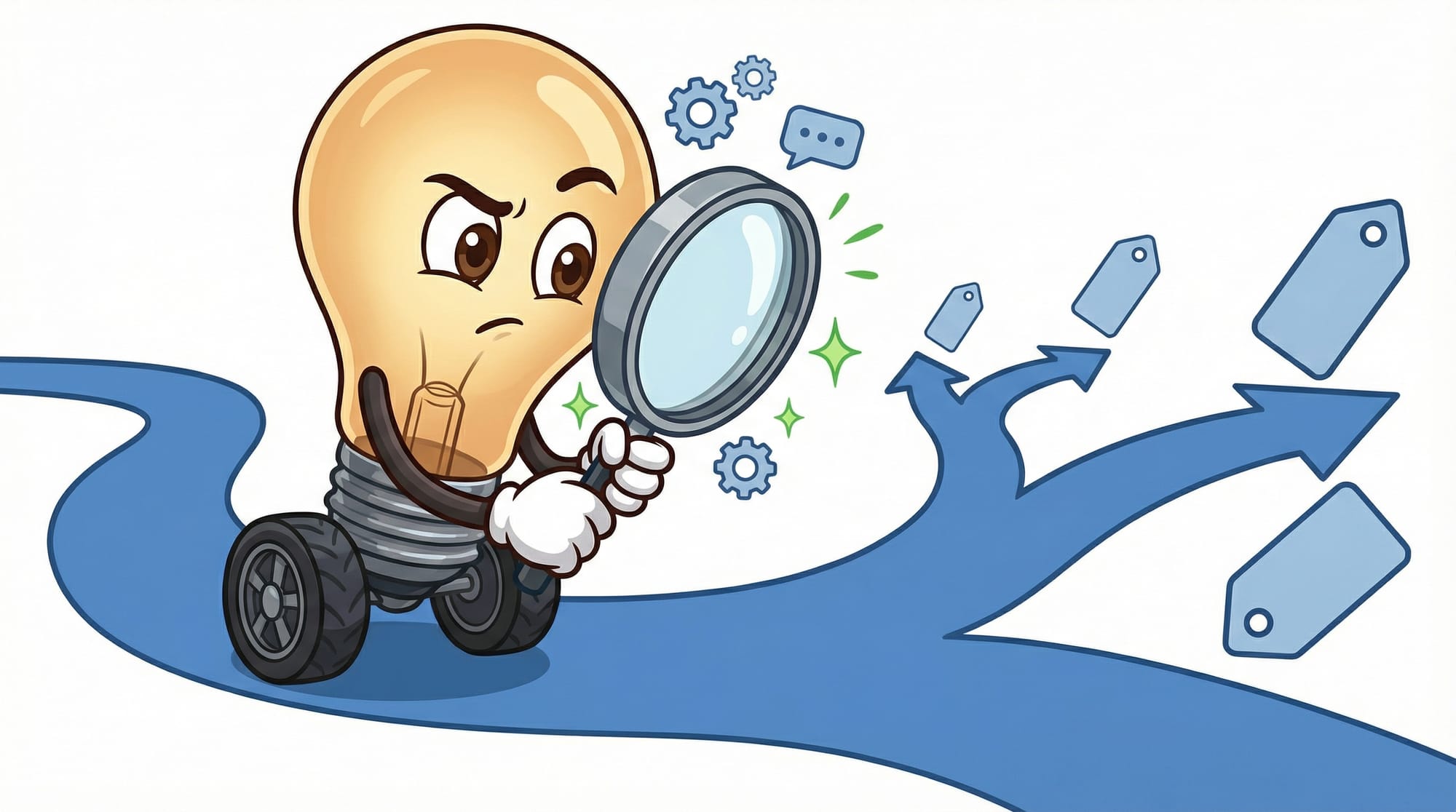
This is where most guides get vague. Let me give you real numbers.
Most beginner-friendly AI tools for administrative work cost $20-$100 per month. That's the entry point. No coding required. They plug into software you already use.
The mid-tier—AI integrated into your CRM or customer service platform—runs $100-$300 per month depending on team size and features.
Custom solutions that address problems specific to your industry start around $500 per month and go up from there.
I've explored other AI tools and their pricing in the small business AI starter kit if you want more specific recommendations.
The ROI Math: When Does AI Pay for Itself?
Here's where the numbers get interesting. According to research from organizations tracking small business technology adoption, 66% of organizations report saving $500-$2,000 per month after implementing AI tools. That's not enterprise companies—that's businesses like yours.
The time savings are equally concrete: AI users save between 20 and 120 hours per employee per year by automating repetitive tasks.
But the most compelling number I've seen is this: CRM systems with AI integration deliver $8.71 in return for every $1 spent. That's not a projection—that's measured ROI from actual implementations.
Let me translate that into a real scenario:
- You spend $150/month on a CRM with AI features ($1,800/year)
- Your sales reps each save 5-10 hours weekly on data entry and follow-ups
- Your customer retention improves by 27% because nothing falls through the cracks
- Your lead conversion rates increase because responses happen faster
- The math: $1,800 invested returns roughly $15,700 in value
That's the kind of ROI that makes the decision straightforward. But it only works if you pick tools that match your actual problems.
Which AI Tools Should You Consider First?
Here's where most "best AI for small business" lists go wrong. They throw 47 tools at you without explaining which ones matter for your situation.
The truth is, different business models need different capabilities. A retail shop needs different AI than a law firm. A logistics company faces different challenges than an automotive garage.
But there are three categories that benefit almost every small business:
CRM with Built-In AI
This is the highest-impact starting point for most businesses. A CRM with AI integration outperforms standalone AI tools for revenue generation. Why? Because it combines your customer data with intelligent automation.
What to look for: automatic lead scoring, suggested follow-up timing, email draft generation, and meeting summaries that log themselves.
Expected results: 5-10 hours saved per sales rep per week, potential 300% increase in lead conversion rates.
Administrative Automation
These tools handle scheduling, document processing, invoice management, and data entry. They're the unsexy workhorses that free up hours you didn't realize you were losing.
What to look for: integrations with your existing software, no-code setup, and clear per-task pricing so costs don't surprise you.
Expected results: 20-40 hours saved per employee annually on administrative busywork.
Customer Communication
Chatbots, email responders, and voice systems that handle routine inquiries. These are only worth it if you have enough volume to justify them.
What to look for: the ability to hand off to humans seamlessly, accurate responses to common questions, and integration with your booking or ordering systems.
Expected results: 24/7 response capability without 24/7 staffing costs.
How Do You Choose the Right AI Solution for Your Business?
Here's the framework I use with business owners who are evaluating AI tools:
- Identify your most expensive repetitive problem. Not the flashiest one—the one costing you the most time or money right now.
- Calculate what that problem costs annually. Include staff time, missed opportunities, and customer frustration.
- Find tools that specifically address that problem. Ignore everything else for now.
- Compare the tool's annual cost to your problem's annual cost. If the tool costs more, stop. If the problem costs 3x more, proceed.
- Run a 30-day trial with clear success metrics. Define what "working" means before you start.
The Part Most Vendors Won't Tell You
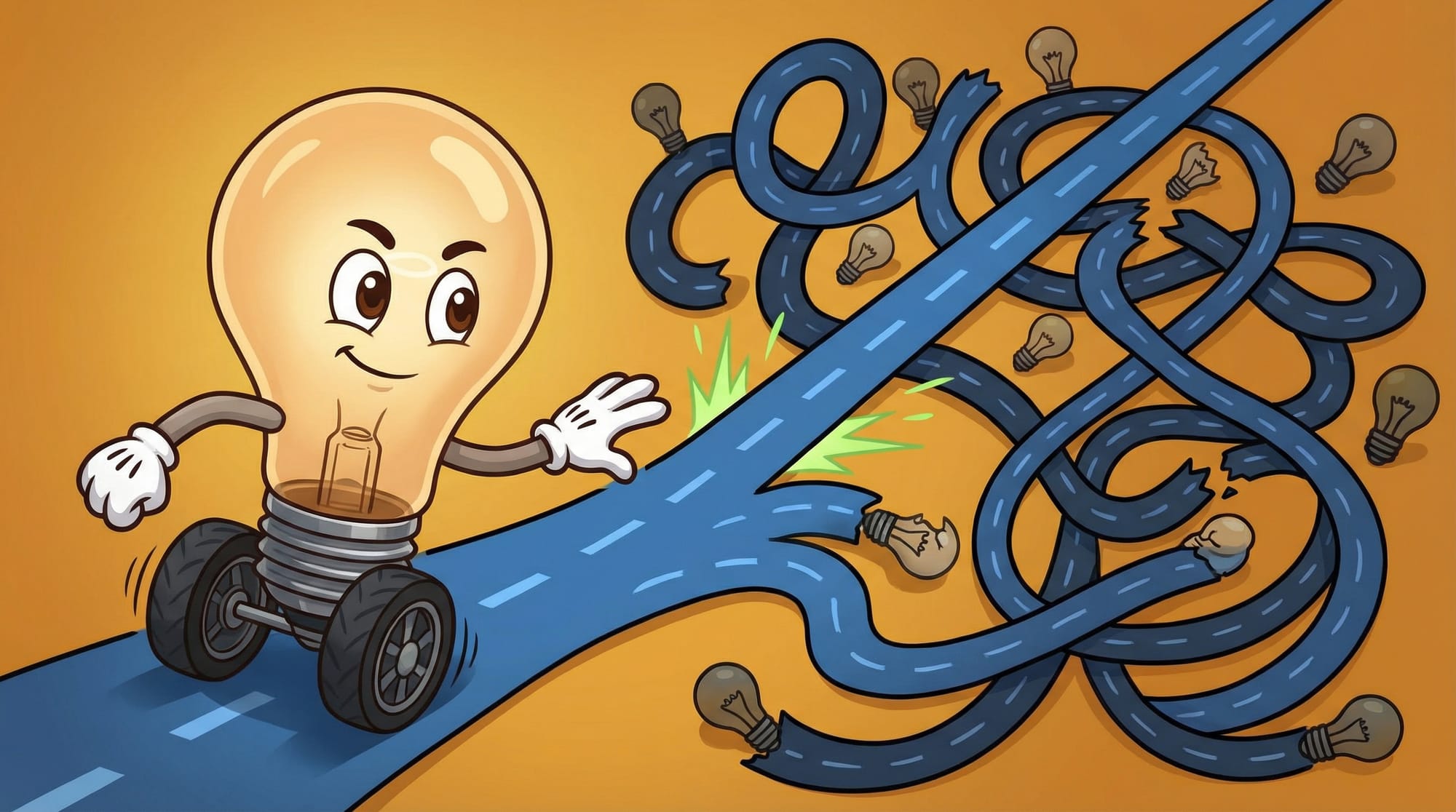
Here's the counterintuitive insight I promised earlier: the real challenge for small businesses isn't lack of AI access. Everyone has access to powerful AI now.
The real challenge is the hidden costs of inefficient sales processes and poor customer relationship management. AI can't fix broken fundamentals. If your follow-up process is a mess, AI will automate the mess. If you don't know which customers are profitable, AI will help you serve unprofitable ones faster.
I've seen this pattern repeatedly. A business buys an expensive AI tool expecting transformation. Six months later, nothing changed—because the AI was solving the wrong problem.
The businesses that succeed with AI are the ones who fix the process first, then automate the fixed process. Not the other way around.
For deeper thinking on how to evaluate which problems AI actually solves, I wrote about why most AI projects fail before they even start.
What Goes Wrong With Small Business AI Projects?
Let me tell you about three failure modes I see constantly:
The fix: Always start with the problem. Define it in dollar terms before you shop.
Failure #2: Underestimating the setup. AI tools require configuration, training, and integration with your existing systems. Budget 10-20 hours of setup time for every new tool. If you don't have that time, the tool will sit unused.
Failure #3: No success metrics. "We want AI to help with customer service" isn't a goal. "We want to reduce average response time from 4 hours to 30 minutes" is a goal. Without metrics, you can't tell if it's working.
Your First 30 Days: The Smart Buyer's Checklist
Here's exactly what to do if you're ready to evaluate AI solutions for your business:
- List your top 3 time-wasting tasks. For each one, estimate how many hours per week your team spends on it.
- Calculate the hourly cost. If your staff costs $25/hour loaded and a task takes 10 hours/week, that's $250/week or $13,000/year.
- Rank by cost. Focus on the most expensive problem first.
- Research tools that address specifically that problem. Limit yourself to 3 options maximum.
- Request trials or demos. If a vendor won't let you test before buying, walk away.
- Set a 30-day success threshold. Example: "Response time must drop from 4 hours to under 1 hour."
- Budget $50-$200/month for your first AI tool. Start small. Scale what works.
- Schedule a 30-day review. On day 31, evaluate against your metrics. If it's not working, cancel and try something else.
What This Means for Your 2026 Tech Budget
- 66% of organizations save $500-$2,000 monthly with AI—but only when they pick tools that match real problems
- CRM with AI integration delivers $8.71 return for every $1 spent, making it the highest-impact starting point for most businesses
- Entry-level AI tools cost $20-$100/month, putting automation within reach of any small business budget
- The competitive advantage goes to smart automation, not expensive tools—fix your process first, then automate it
- One tool, one problem, one month is the safest way to start without wasting money on software nobody uses
Frequently Asked Questions About AI for Small Business

Do I need technical skills to use AI tools?
No. Most beginner-friendly AI tools for small businesses require no coding knowledge. They're designed to integrate with software you already use—like your email, calendar, or CRM—through simple setup wizards. If you can use Microsoft Office, you can use these tools.
How long does it take to see ROI from AI software?
Most businesses see measurable results within 30-60 days if they've chosen a tool that addresses a real problem. The key is defining your success metric before you start. Time savings often appear within the first week; revenue impact takes 2-3 months to measure accurately.
What's the best AI tool for a small business just getting started?
A CRM with built-in AI capabilities offers the highest ROI for most small businesses. It combines customer data management with intelligent automation, delivering 5-10 hours saved per sales rep weekly and potential 300% improvements in lead conversion. Start there unless you have a specific problem screaming for attention.
Will AI replace my employees?
AI handles repetitive tasks, not judgment calls. The businesses using AI effectively aren't firing people—they're freeing people to do higher-value work. A salesperson who spends 10 fewer hours on data entry spends 10 more hours building relationships. That's the goal.
What if I buy an AI tool and it doesn't work?
This is why 30-day trials matter. Never commit to annual pricing until you've proven a tool works for your situation. Define success metrics before you start, evaluate at 30 days, and cancel anything that isn't delivering. The best vendors expect this and make cancellation easy.


