


Why Does Your Best Lead Go Cold at 2 AM?
Your prospect downloads a whitepaper at 11:47 PM. They're interested. They're researching. They're ready to talk.
Your sales team is asleep. By 9 AM, that prospect has already talked to two competitors.
Here's the math that keeps sales managers up at night: every lead has a half-life. According to research from GoHighLevel, the longer you take to follow up, the less likely they convert. A lead contacted in 5 minutes is 21x more likely to qualify than one contacted in 30 minutes. At the 2-hour mark? You've lost 80% of your chance.
Your sales reps only spend 28% of their time actually selling. The rest disappears into administrative work, CRM updates, and scheduling back-and-forth. That's not a productivity problem. That's a structural problem.
What Makes AI Lead Response Different?
Rootly, an incident management platform, was drowning in the same challenge every growing company faces. Leads came in at all hours. Response times varied wildly. Good prospects slipped through cracks.
After implementing AI agents in their revenue operations, they saw 69% more meetings booked. Not 6.9%. Sixty-nine percent.
What changed? The AI didn't just respond faster. It responded smarter. According to Outreach's analysis, AI agents can generate 15% more pipeline coverage while reducing forecast prep time by 44%. The system watches for buying signals—new hires, tool changes, funding announcements—and reaches out when intent is highest.
This isn't about replacing your sales team. Your reps spend up to 60% of their time qualifying leads, according to Scalevise research. AI handles that filter. Your humans handle the conversations that close deals.
If you're exploring how AI can drive revenue growth, lead response automation is often the highest-ROI starting point.
How Does the 5-Minute Rule Change Everything?
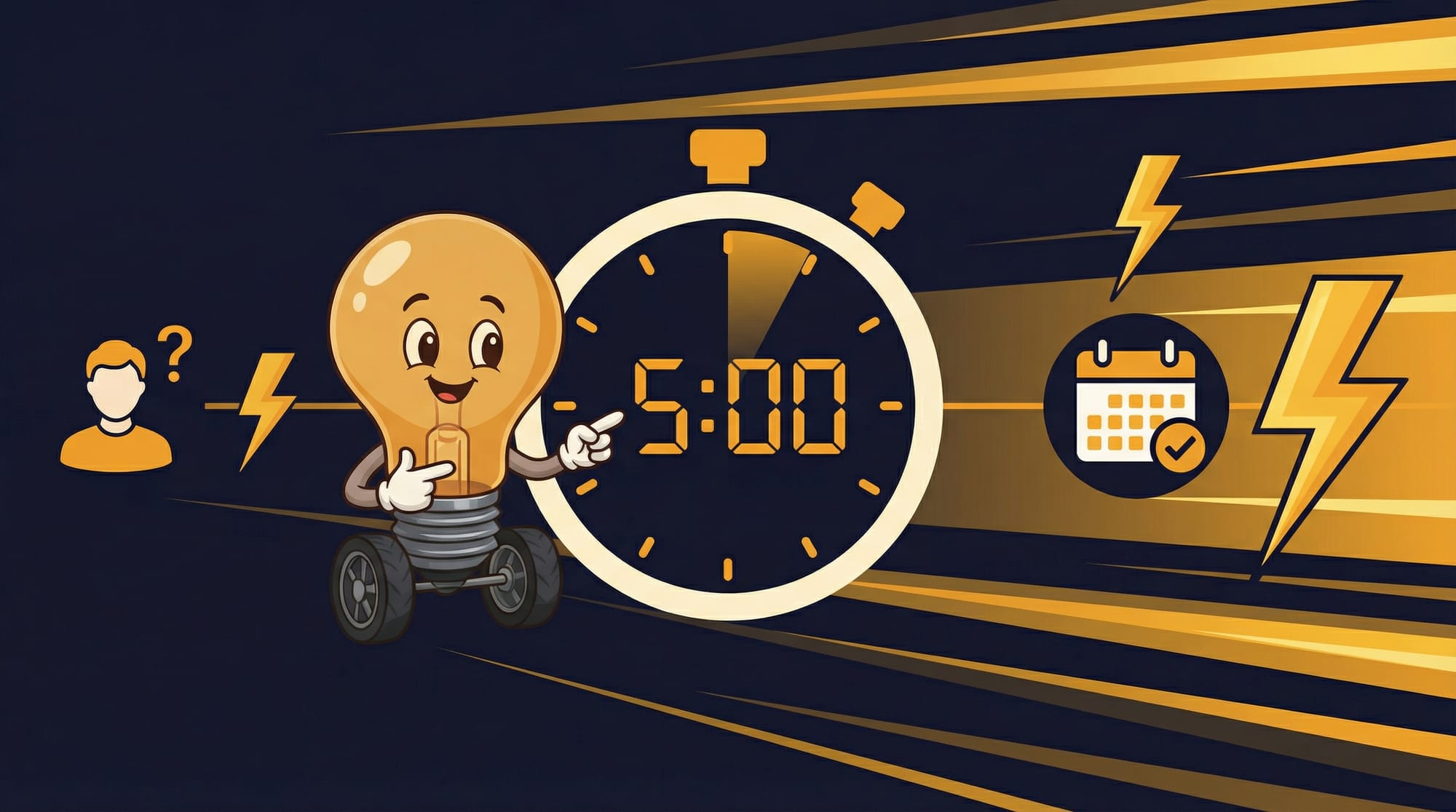
The Instantly.ai team analyzed thousands of cold email campaigns and found a simple threshold: respond to leads in under 5 minutes, or watch conversion rates crater.
Five minutes. That's not enough time for a human to read the notification, open the CRM, research the prospect, and craft a response. It's barely enough time to find the right Slack channel.
AI agents don't have that problem. They're watching. Always. The system monitors 500+ accounts around the clock for 15+ buying signals: new hires in key roles, technology stack changes, funding announcements, hiring spikes in relevant departments.
When a signal fires, the AI can personalize an outreach message in 90 seconds. Not a generic template. A message that references the actual change at that specific account.
The Signal-First Outreach Approach
Most AI outreach fails because it's still spray-and-pray with a robot trigger finger. Faster spam is still spam. Here's what actually works:
- Signal detection first. Don't reach out because someone exists. Reach out because something changed. New VP of Sales hired? That's a signal. Company just raised Series B? Signal. They started posting job listings for a role your product supports? Signal.
- Context in every message. The AI references the specific change. 'Saw you just brought on a new Head of Revenue Operations—congratulations. When teams scale that role, they usually hit a scheduling bottleneck within 90 days.' That's not a template. That's a conversation starter.
- Two-channel cadence. Email plus LinkedIn. Not five channels blasting the same message. Research shows a respectful two-channel approach outperforms aggressive multi-channel spam.
- Human handoff at interest. The AI qualifies and books. The human closes. Your reps walk into calls with prospects who've already expressed interest and scheduled time—not cold calls hoping someone picks up.
This approach aligns with what Datagrid found in their analysis: connected AI scheduling systems reduce coordination time by 60-80% and accelerate sales cycles.
What Happens When AI Scheduling Goes Wrong?
I've watched teams deploy AI lead response and hit the same wall within two weeks.
The system books meetings. Lots of meetings. Your calendar fills up. Victory, right?
Then you sit in those meetings. Half the prospects don't remember requesting a call. A quarter aren't decision-makers. Some were just being polite to the AI and had no actual interest.
This is the qualification gap. The AI optimized for meetings booked, not meetings that matter. It hit its metric. You missed yours.
The fix isn't turning off the AI. It's tuning the qualification criteria. What signals actually predict a good conversation? What disqualifiers should trigger a nurture sequence instead of a calendar link? These aren't set-and-forget decisions. They need weekly review for the first month.
How Do You Set Up AI Meeting Automation?
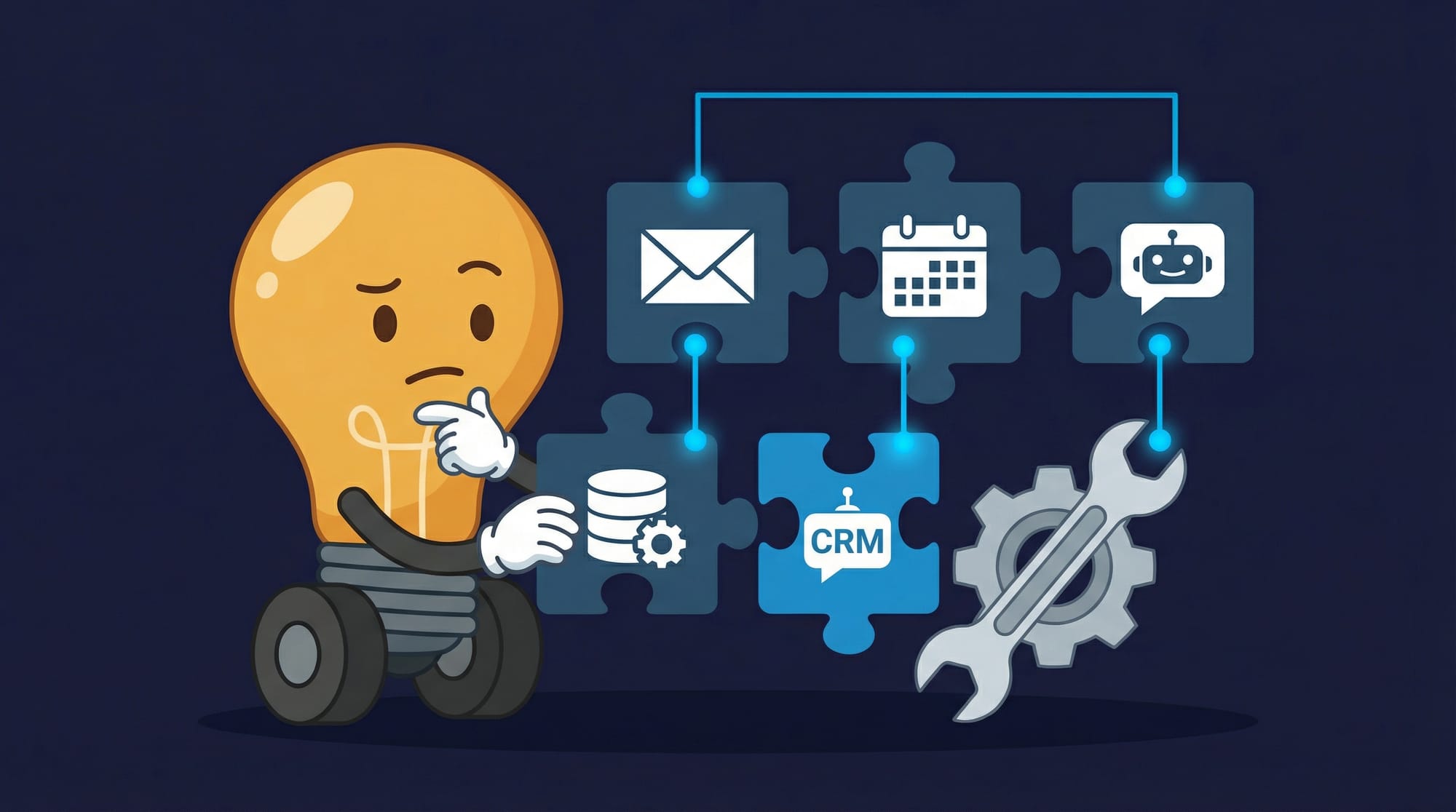
If you're thinking about implementing AI for lead response, here's the practical sequence that works:
**Week 1-2: Signal mapping.** Before you automate anything, document your best recent deals. What signals appeared before they converted? New hire announcements? Specific job postings? Technology changes? This becomes your targeting criteria.
**Week 2-3: Integration setup.** Connect your CRM, calendar, and email systems. The AI needs read access to know what's already in motion and write access to create meetings and log activities. Most teams underestimate this step. Plan for 5-10 hours of integration work.
**Week 3-4: Qualification rules.** Define what makes a lead worth a meeting versus worth a nurture sequence. Title, company size, signal strength, engagement history. Start stricter than you think. You can always loosen later.
**Week 4+: Monitor and tune.** Track meeting-to-opportunity conversion, not just meetings booked. If conversion drops below 30%, your qualification is too loose. Tighten the criteria.
According to the implementation data I've reviewed, time to measurable lift is approximately 4 weeks. Not instant. Not six months. Four weeks of setup before you see real results.
What Are the Hidden Costs Nobody Mentions?
Sales leaders get excited about the 27% more meetings headline. They don't ask about the asterisks.
- **Data quality dependency.** AI can only act on data it can access. If your CRM is a mess—outdated contacts, missing fields, duplicate records—the AI amplifies that mess. Budget 20-40 hours for data cleanup before launch.
- **Integration maintenance.** APIs change. Calendar systems update. Email deliverability shifts. Someone needs to own this system ongoing. That's 2-4 hours per week minimum, more during the first 90 days.
- **Brand risk from bad outreach.** One overly aggressive AI message to the wrong person can burn a relationship. Review your AI's outreach templates weekly. Read the actual messages being sent. This isn't set-and-forget.
- **Team adoption friction.** Your sales reps have workflows. They have their own lead lists, their own follow-up cadences. The AI will step on toes. Plan for pushback. Involve your top performers in the design, or they'll route around the system.
- **The 'too many meetings' problem.** More meetings isn't always better. If your closers are now in 30% more calls but closing the same number of deals, you've increased cost without increasing revenue. Watch conversion rates, not just volume.
Salesforce reports that 83% of sales teams using AI saw revenue growth last year, compared to 66% without AI. But that 17-point gap comes with implementation costs the headline doesn't mention.
How Do You Know Your AI Booking System Works?
The vanity metric is meetings booked. The real metric is qualified meetings that advance pipeline.
- **Response time under 5 minutes.** Measure actual response time, not theoretical capability. If 80%+ of leads get a response in under 5 minutes, you're in good shape.
- **Meeting-to-opportunity conversion above 30%.** If your AI books 100 meetings and fewer than 30 turn into real opportunities, your qualification is broken.
- **No-show rate under 15%.** High no-shows mean the AI is booking meetings with people who weren't actually interested. Tighten your confirmation sequences.
- **Sales team satisfaction.** Ask your reps: Are these meetings worth their time? If they start avoiding AI-booked calls, you have a quality problem no metric will show.
- **Pipeline velocity improvement.** Deals should move faster from first contact to close. If total cycle time isn't improving, the AI might be creating work without creating value.
What Should You Expect in the First 60 Days?
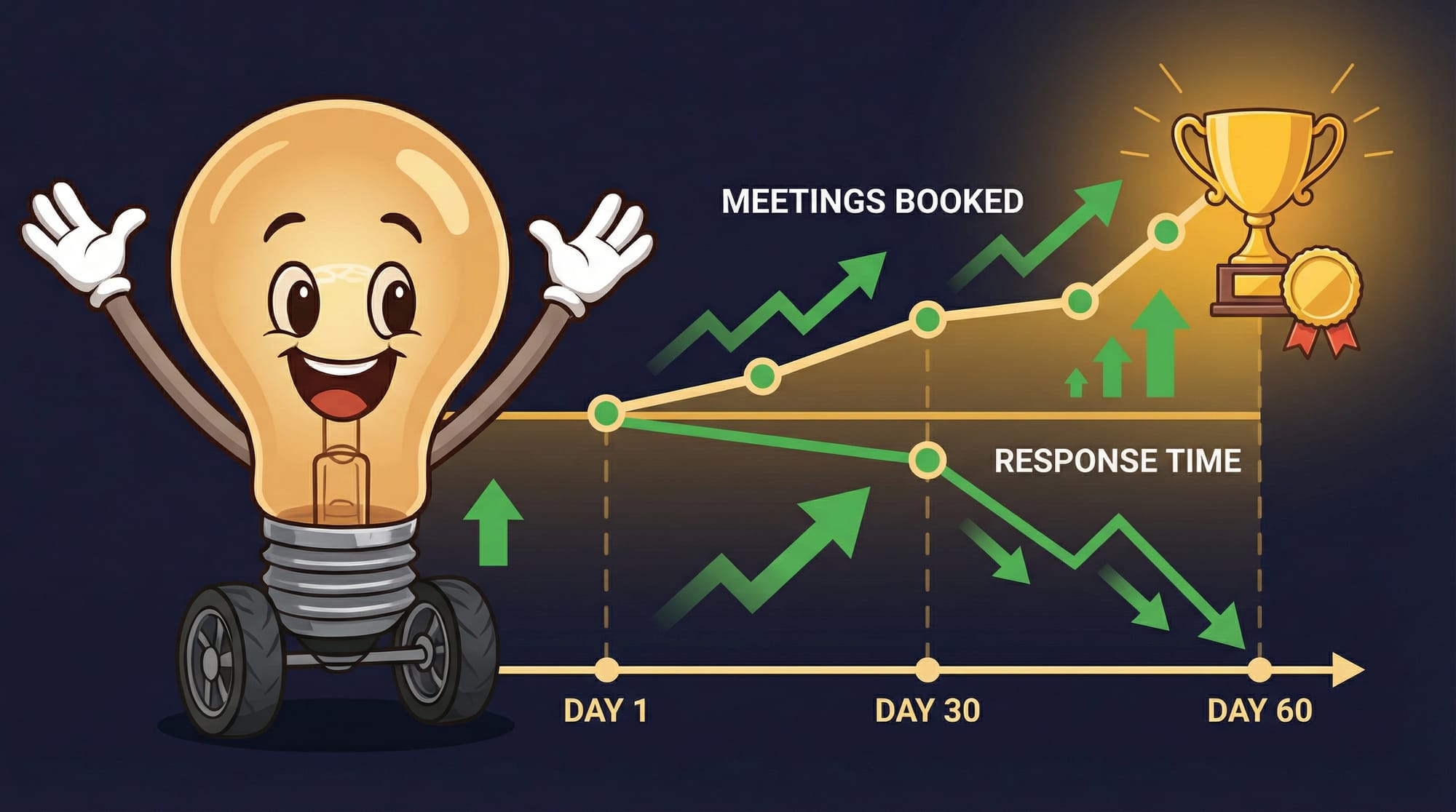
Based on implementation patterns I've studied, here's the realistic timeline:
**Days 1-14:** Setup, integration, and configuration. Your team is learning the system. Meetings might actually decrease as you shift workflows. This is normal.
**Days 15-30:** First signals fire. AI starts booking meetings. Quality is inconsistent. You're tuning qualification rules almost daily. Expect 5-10% lift in meeting volume with mixed quality.
**Days 31-45:** Qualification stabilizes. Meeting quality improves. Your sales team starts trusting the AI-booked calls. Volume increases to 15-20% above baseline.
**Days 46-60:** System hits stride. 25-35% more qualified meetings becomes achievable. Response times consistently under 5 minutes. Your team has new problems—like having too many meetings to handle.
That last problem is a good problem. But it's still a problem. Plan for it.
Understanding the operational efficiency gains from AI helps set realistic expectations. This isn't magic. It's automation with a learning curve.
Key Takeaways
- AI agents can respond to leads in under 5 minutes, which is 21x more effective than waiting 30 minutes—and your team physically can't respond that fast at 2 AM.
- Teams implementing AI lead response see 25-35% more qualified meetings within 60 days, with time to measurable lift around 4 weeks.
- The real metric isn't meetings booked—it's meeting-to-opportunity conversion. Aim for 30%+ or your qualification needs work.
- Budget 20-40 hours for data cleanup before launch, plus 2-4 hours weekly for ongoing maintenance.
- Start with signal-based outreach (new hires, funding, tech changes) rather than mass automation. Faster spam is still spam.
Frequently Asked Questions
Will AI replace my sales team?
No. AI handles the 60% of time your reps currently spend qualifying leads and coordinating schedules. Your humans handle the conversations that actually close deals. Salesforce data shows reps only spend 28% of their time selling—AI increases that percentage, it doesn't eliminate the need for sellers.
How much does AI lead response cost?
Costs vary widely by platform and volume. Expect $500-2,000/month for mid-market solutions, plus 20-40 hours of setup time. The ROI math works if you're booking 25%+ more qualified meetings—run the numbers on what one additional closed deal per month is worth to you.
What if the AI sends embarrassing messages?
This is a real risk. Review your AI's outreach templates weekly. Read actual messages being sent. Most platforms let you set approval workflows for new template variants. Start with human review on all outreach, then loosen as you build trust in the system.
How do I know if my team is ready for AI lead response?
You need three things: clean CRM data (contacts, company info, deal stages), a documented sales process (what qualifies a lead, what disqualifies them), and someone willing to own the system for 2-4 hours weekly. If any of those are missing, fix that first.
What happens when the AI books a meeting with someone who shouldn't be a meeting?
It will happen. Build a feedback loop where reps can flag bad meetings. Track the patterns—wrong titles, wrong company sizes, wrong signals. Feed that back into qualification rules. Most teams need 2-3 iterations before quality stabilizes.


