


Why Most Small Businesses Get AI Wrong
Here's what I keep seeing: A business owner reads about AI, signs up for six tools in a weekend, and by Wednesday they're paying $400/month for software nobody uses. The inbox is still a mess. The proposals still take four hours. Nothing changed except the credit card statement.
Meanwhile, a three-person marketing agency down the street picked one tool—just one—and cut their content drafting time by 60%. Same budget. Completely different outcome.
The difference isn't the tools. It's the approach. According to a McKinsey survey, 78% of organizations now use AI in at least one business function, up from 72% just six months earlier. But here's what that stat hides: most of those organizations are getting value from one or two workflows, not a dozen scattered experiments.
Throwing AI at your business doesn't make it run better. You need the right tools solving the right problems in a way that fits how you actually work. That's not a bumper sticker—it's the pattern I've seen across hundreds of implementations over three decades.
What Does a $500/Month AI Stack Actually Include?
Let's talk real numbers. The optimal AI stack for small businesses consists of one general-purpose AI assistant, one automation layer, and only the specialized tools that directly reduce manual work. That's it. Three layers, not thirty tools.
Here's what that looks like in practice:
- **General-purpose assistant:** ChatGPT Plus or Claude Pro ($20/month) — handles 80% of daily AI needs
- **Automation layer:** Zapier or Make ($20-50/month) — connects your existing tools
- **One or two specialized tools:** Depends on your biggest pain point ($50-200/month combined)
Total: $90-270/month for a stack that actually gets used. The businesses spending $500+ usually have tool overlap and abandoned subscriptions dragging up the average.
Small teams adopt AI fastest when they can see clear business impact, simple pricing, and integrations that work on day one. That's from practitioner research, not vendor marketing.
The Three-Layer Approach to Small Business AI
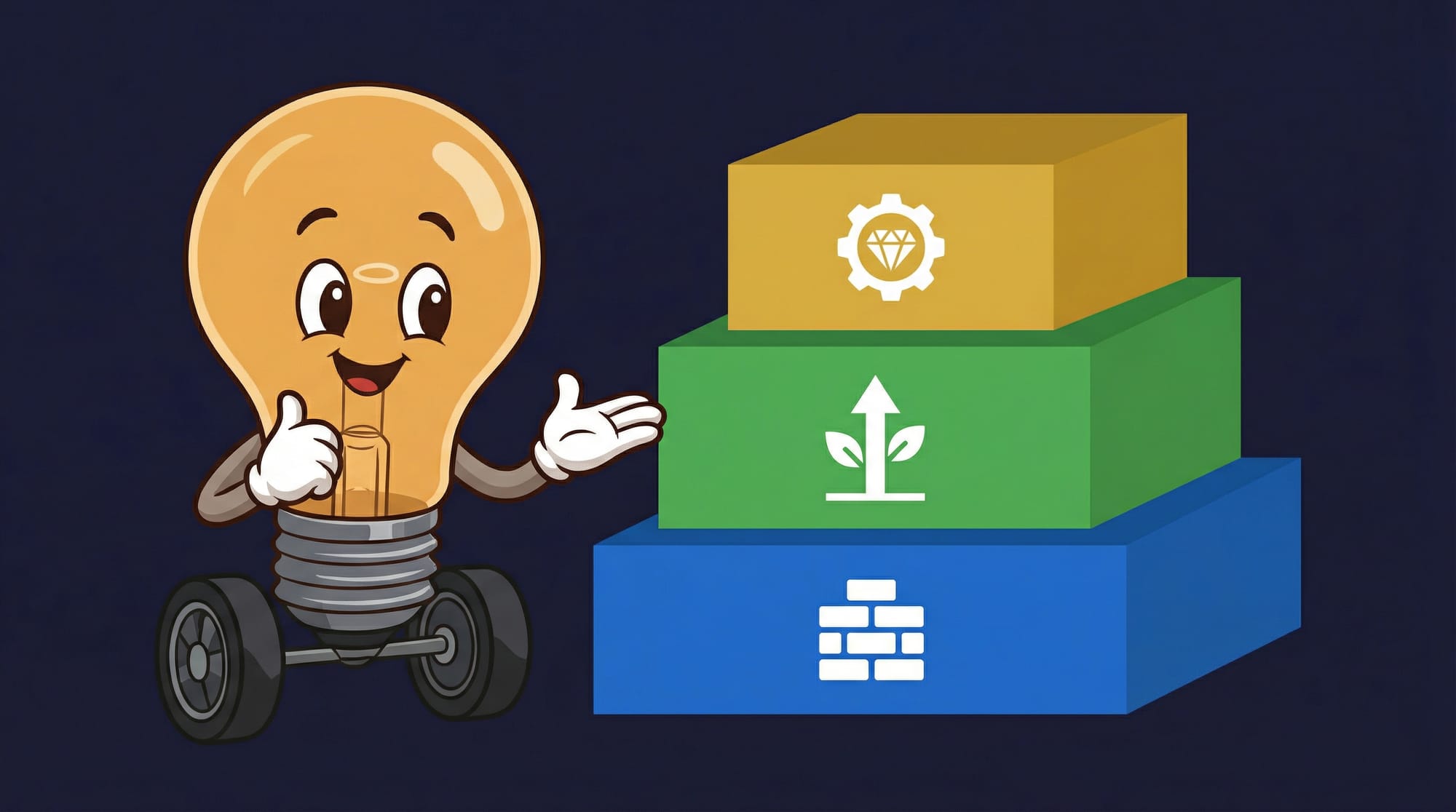
Think of your AI stack like a kitchen. You need a good knife (the thing you reach for constantly), a stove (the thing that connects ingredients into meals), and maybe one specialty appliance for that thing you do every week. You don't need seventeen gadgets cluttering the counter.
Layer 1: Your AI Brain ($20-40/month)
This is your daily driver. The tool you open first thing Monday morning. ChatGPT Plus or Claude Pro handles email drafting, planning campaigns, analyzing feedback, and creating SOPs. It's ideal for owners who need daily support without IT complexity.
The key insight: modern AI tools don't require technical expertise. Small teams can start using them for marketing, customer support, or content creation with intuitive interfaces. No coding. No IT department. Just type what you need.
If you're already in Google Workspace, consider adding Gemini. If you're a Microsoft 365 shop, Copilot Chat embeds AI directly into your existing workflows. The 15% premium is worth it when you don't have to context-switch between apps.
Layer 2: Your Automation Glue ($20-50/month)
Here's where the real time savings happen. AI agents can automate appointment scheduling, data entry, responding to customer inquiries, lead recognition, CRM updates, and scheduling follow-ups. But they need something to connect them to your existing tools.
Zapier or Make sits between your tools and makes them talk to each other. New form submission? Automatically add to CRM, send a confirmation email, and create a follow-up task. That's not science fiction—it's a 10-minute setup.
The old logic was: "Automation is for big companies with IT teams." That made sense when integration required custom code. Now that's broken because no-code automation tools handle 90% of common workflows out of the box.
Layer 3: Task-Specific Tools ($50-200/month)
This is where most businesses overspend. They buy an AI writing tool AND an AI email tool AND an AI scheduling tool AND an AI social media tool—and discover that their general-purpose assistant handles most of those tasks just fine.
Only add specialized tools when you have a specific workflow that your general AI can't handle well, you do that workflow at least weekly, and the specialized tool saves more time than it costs.
For most small businesses, that means one tool in one of three areas: customer communication (chatbot or email assistant), content creation (if volume is high), or sales outreach (if prospecting is your bottleneck). Pick the one that hurts most.
Where Should You Start First?
Organizations capture value from AI most consistently in marketing, customer operations, and product development. That's where small businesses feel the most pain, and it's where the tools have matured enough to actually help.
A 30-day implementation timeline should focus on one key area per week. That's not because you're slow—it's because trying to change everything at once guarantees you change nothing.
Here's a realistic 30-day rollout:
- **Week 1:** Pick your general-purpose AI and use it daily for one task (email drafting is the easiest win)
- **Week 2:** Set up one automation that connects two tools you already use
- **Week 3:** Identify your biggest time sink and evaluate if a specialized tool addresses it
- **Week 4:** Measure what changed and decide what stays
With the right strategy, a small business can begin seeing tangible returns in as little as 30 days, cutting operational costs by an average of 30% on key tasks. That's not marketing—that's documented outcomes from real implementations.
What Goes Wrong in the First 30 Days?
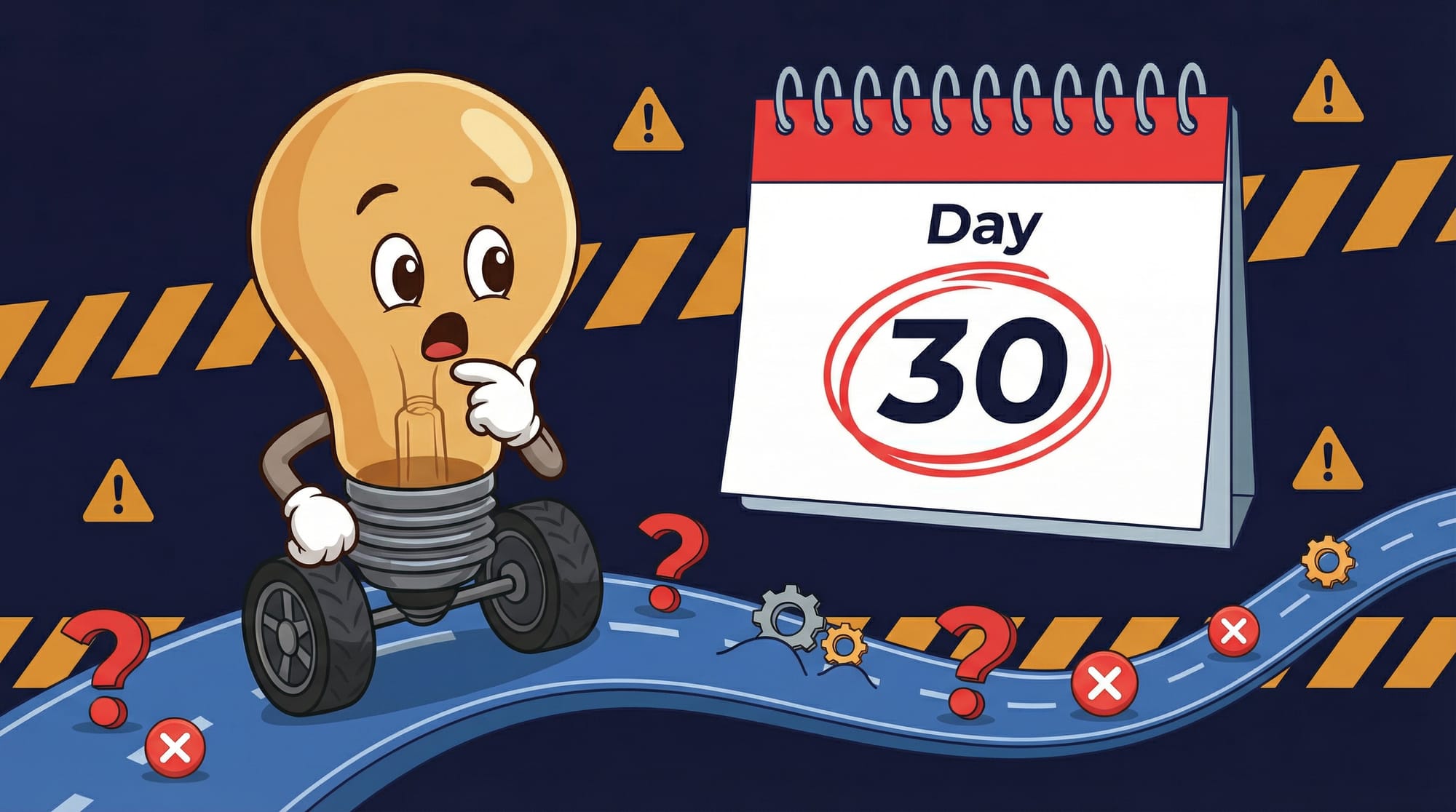
It's 3 PM on a Tuesday. You've been trying to get your new AI chatbot to stop telling customers that returns take "2-3 business days" when your policy is actually 14 days. You've rewritten the prompt four times. Your actual customers are waiting. The AI isn't broken—you just skipped the training data step.
This is the pattern I see constantly. The demo used clean data. Your data is chaos. The demo had one user. You have 12 people who all phrase things differently.
The three failure modes that kill most small business AI projects:
- **The shiny object problem:** Signing up for tools before identifying what problem they solve. Week 2 arrives and nobody remembers why you have a $99/month transcription service.
- **The integration gap:** The AI works great in isolation but doesn't connect to your existing workflow. You're copying and pasting between apps, which is slower than doing it manually.
- **The training skip:** AI tools need context about YOUR business. Generic out-of-the-box performance is mediocre. The 15 minutes of setup you skipped costs you hours of fixing bad outputs.
How Do You Know It's Working?
This is where most AI advice falls apart. "It should feel faster" isn't a metric. You need numbers you can track week over week.
- **Time saved per task:** Before AI, how long did drafting a proposal take? After? Track this for your top 5 time sinks.
- **Tasks completed per week:** Are you actually getting more done, or just getting the same amount done with extra steps?
- **Error/revision rate:** AI-assisted content often needs editing. If you're spending 45 minutes fixing a 15-minute draft, the math doesn't work.
- **Tool usage frequency:** Check your login history. If nobody's used the tool in two weeks, cancel it.
- **Cost per output:** Divide monthly tool cost by number of outputs. $20/month for 100 emails drafted = $0.20 each. Worth it? That's your call.
I've seen teams track these for 30 days and discover their "AI transformation" saved exactly 3 hours per month. That's $180/year of value for $240/year of tools. Not every AI experiment works. The tracking tells you which ones to keep.
What Are the Real Tradeoffs?
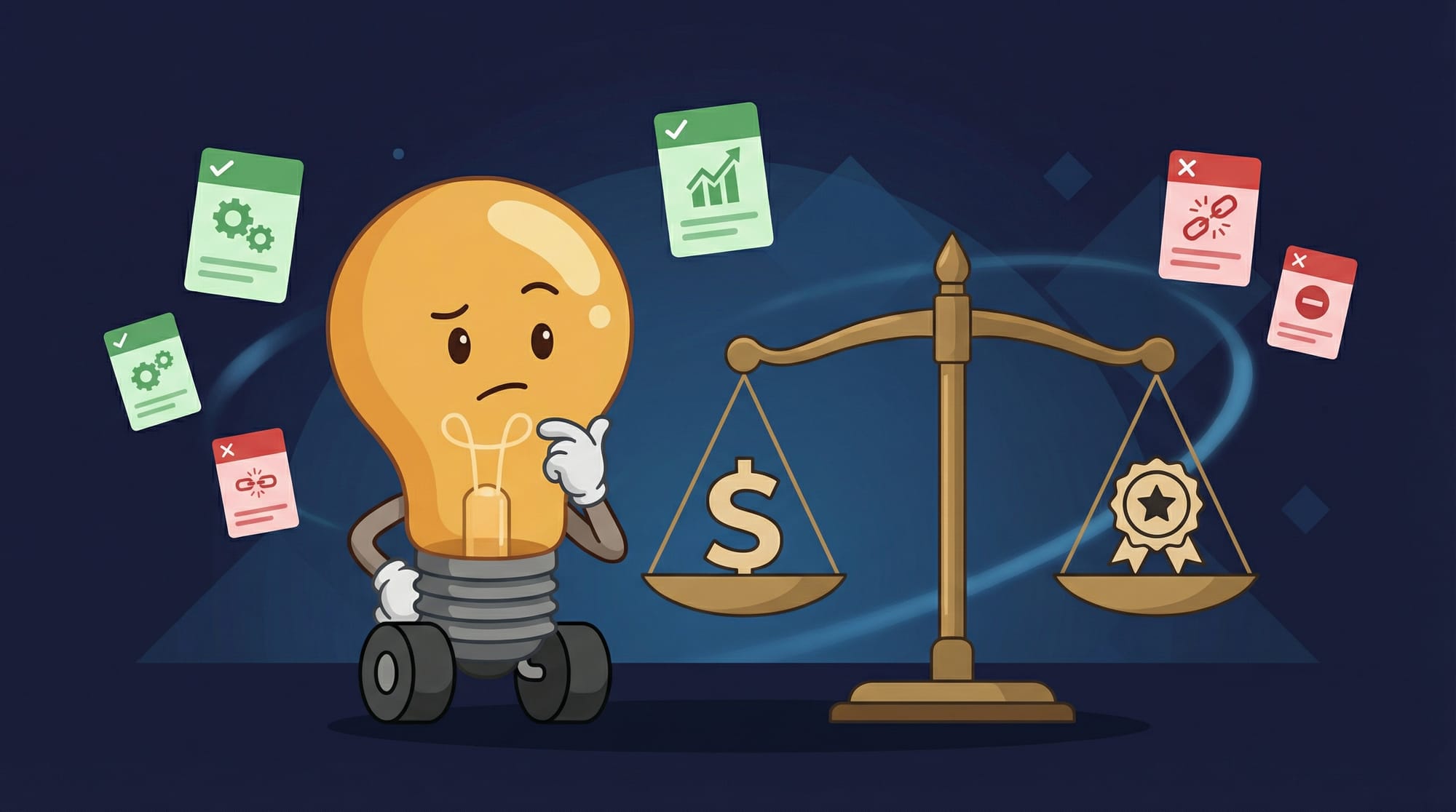
Nobody talks about the costs that don't show up on the invoice. But you'll feel them around week three.
- **Learning curve eats into savings:** That "10-minute setup" assumes you already know how the tool works. Realistic first-time setup is 2-4 hours for most business owners. Budget for it.
- **Output quality varies wildly:** AI writes a passable first draft 70% of the time. The other 30% ranges from "needs light editing" to "completely missed the point." You're still the quality control layer.
- **Vendor lock-in creeps up:** Once your automations depend on a specific tool, switching costs real time. The $20/month tool becomes painful to leave when you've built 15 workflows on it.
- **Privacy and data concerns:** Free tiers often train on your data. If you're feeding customer information into AI tools, read the terms of service. Paid tiers typically offer better data handling.
- **Team adoption isn't automatic:** You might love the AI assistant. Your office manager might hate it. Budget time for training and expect some people to resist. That's normal.
Half of business leaders forecasting gains above 5% from AI are being realistic. The other half are extrapolating from demos. Which half you're in depends entirely on whether you account for these tradeoffs upfront.
Key Takeaways: Your Monday Morning Checklist
- **Start with one tool, one workflow.** Teams report 30% cost savings on key tasks within 30 days—but only when they focus instead of scatter.
- **The three-layer stack works:** General AI ($20-40) + automation ($20-50) + one specialized tool ($50-200) covers 90% of small business needs for under $300/month.
- **Measure before you expand.** Track time saved per task for 30 days. If the math doesn't work, cancel the tool. No shame in that.
- **Integration beats features.** A tool that connects to your existing workflow beats a "better" tool that lives in its own silo.
- **Your general AI handles more than you think.** Before buying a specialized tool, try doing that task in ChatGPT or Claude. You might not need the extra subscription.
If you're building out your first AI stack, our AI implementation guides walk through the technical setup. And if you're trying to figure out which workflows to automate first, the operations efficiency playbook has a prioritization framework that's worked for dozens of small teams.
Frequently Asked Questions
Do I need technical skills to use AI tools?
No. Modern AI tools are designed to be approachable without technical expertise. Small teams can start with marketing, customer support, or content creation using intuitive interfaces. If you can write an email, you can use most AI assistants. Automation tools like Zapier have gotten simple enough that non-technical users set up workflows daily.
What's the minimum budget to get started with AI?
You can start with $20/month—just a ChatGPT Plus or Claude Pro subscription. That handles email drafting, content creation, brainstorming, and basic analysis. Add an automation layer at $20-50/month when you're ready to connect tools. Most small businesses get meaningful value in the $100-200/month range.
How long before I see ROI on AI tools?
Practitioners report tangible returns within 30 days when focusing on one workflow. The key is starting with a task you do daily—email responses, meeting notes, first-draft content. If you're not seeing time savings after 30 days of consistent use, the tool probably isn't right for that workflow.
Should I use ChatGPT, Claude, or Gemini?
For most small businesses, it barely matters. All three handle common tasks well. Pick based on what you already use: Gemini if you're in Google Workspace, Copilot if you're in Microsoft 365, ChatGPT or Claude if you want a standalone tool. The best AI is the one you'll actually use.
What's the biggest mistake small businesses make with AI?
Buying too many tools before proving value with one. The pattern: sign up for 6 subscriptions, use each one twice, keep paying for months. Instead, start with one general-purpose AI, use it daily for 30 days, measure results, then decide what else you need.


