


A fiction author I follow spent three months testing every AI writing tool she could find. She had subscriptions to six different platforms running at once. Total monthly cost: $147. Words published: zero.
Meanwhile, another writer I tracked used exactly two tools—one specialist, one general-purpose chatbot. She published four books in the same period. Her total AI spend: around $40 a month.
The difference wasn't talent. It wasn't the tools themselves. It was that the second writer stopped searching for the perfect platform and started shipping. In 2025, 60% of marketers use AI daily—up from 37% last year. But usage doesn't equal output. Most people are drowning in options.
The Tool Explosion Problem
Here's what nobody tells you: the search for a single perfect AI writing platform is the wrong goal entirely. According to research from Monday.com, professionals don't have one writing project—they have dozens. Emails. Reports. Marketing copy. Social posts. Blog articles. Each one has different requirements.
The AI writing tool market is growing at 37.3% annually between 2023 and 2030. That means more tools launching every week. More features. More subscriptions. More decision fatigue.
I've watched business owners sign up for comprehensive writing suites that promise to do everything. Three weeks later, they're still watching tutorial videos instead of writing. The tool that does everything usually does nothing well enough to matter.
Why Do Most AI Writing Tools Feel the Same?
Because they mostly are the same. According to PropelRC's testing of 18 AI writing tools, most use similar Large Language Models under the hood. The difference comes down to three things: how well they're designed, what features they include, and whether they justify their monthly subscription.
Think of it like cars. A Honda Civic and a BMW 3-Series both have four wheels and an engine. They'll both get you to work. But the driving experience, the features, and the price are wildly different.
ChatGPT, Claude, and the various writing tools all tap into similar foundation models. The wrapper matters—how the tool presents prompts, manages context, handles long documents, and fits your specific workflow. That's where the real differences live.
What's the Actual Cost Difference?

Let's break down real numbers. ChatGPT offers a $20/month subscription and a $200/month tier. The $200 version is really only for businesses that need unlimited flexibility and are heavily into AI workflows.
But here's what surprised me: the most advanced GPT model costs about $10 per million tokens of output. That translates to roughly 750,000 words. Unless you're generating 1.5 million words a month, you won't spend more than $20 on a pay-as-you-go basis.
OpenRouter—which gives you access to multiple models including older versions of Claude and GPT that aren't available in native interfaces—often provides more value than flat-rate subscriptions. Why? Because subscription services throttle usage. You're paying for unlimited access, but there are hidden limits on how much you can actually generate.
- ChatGPT Plus: $20/month (throttled heavy use)
- ChatGPT Pro: $200/month (heavy users and businesses)
- OpenRouter pay-as-you-go: ~$10 per 750,000 words generated
- Specialist tools (Novel Crafter, Sudowrite): $15-30/month on top of API costs
The math often favors pay-as-you-go. But there's a catch: you need to understand API pricing and be comfortable with a less polished interface. For many business owners, the subscription simplicity is worth the premium.
The Two-Tool Approach That Actually Works
After watching how dozens of writers and content creators actually work—not how they say they work, but what produces output—a pattern emerged. The people shipping consistently use exactly two tools.
One specialist tool for their primary work. One general chatbot for everything else.
That's it. No suite of twelve subscriptions. No weekly tool-switching. Two tools, learned deeply.
- Pick your specialist based on your main output type (fiction, marketing copy, technical docs)
- Pick a general chatbot for brainstorming, research, and one-off tasks
- Learn both tools deeply before adding anything else
- Cancel everything else—the cognitive overhead isn't worth it
For fiction writers, the recommendation I've seen work best is Novel Crafter as the specialist (though Raptor Write is a solid free alternative). For marketing teams, Jasper consistently comes up. For general business writing, ChatGPT remains the all-around choice.
This pattern shows up across AI implementation broadly—not just writing tools. The businesses that get results pick fewer tools and use them harder.
How Do You Pick the Right Specialist Tool?
Your specialist tool should match your main output type. Here's how the landscape breaks down based on PropelRC's testing and practitioner feedback:
**For fiction writing:** Novel Crafter is the top recommendation for workflow versatility, though it's more complex and costs more. Raptor Write works well if you want something simpler and free. Sudowrite has a fine-tuned Muse model that's specifically designed for writing first drafts—but use it only for that. Don't try to do other tasks in Sudowrite.
**For marketing and business content:** Jasper excels for business teams who need brand voice consistency and collaboration features. It's built for the marketing workflow specifically.
**For editing and proofreading:** Grammarly dominates this space. If your main need is cleaning up existing writing rather than generating new content, this is your specialist.
**For all-around use:** ChatGPT remains the best general-purpose choice for most users, especially with the o1 model for advanced reasoning and editing tasks.
Where These Tools Fall Apart
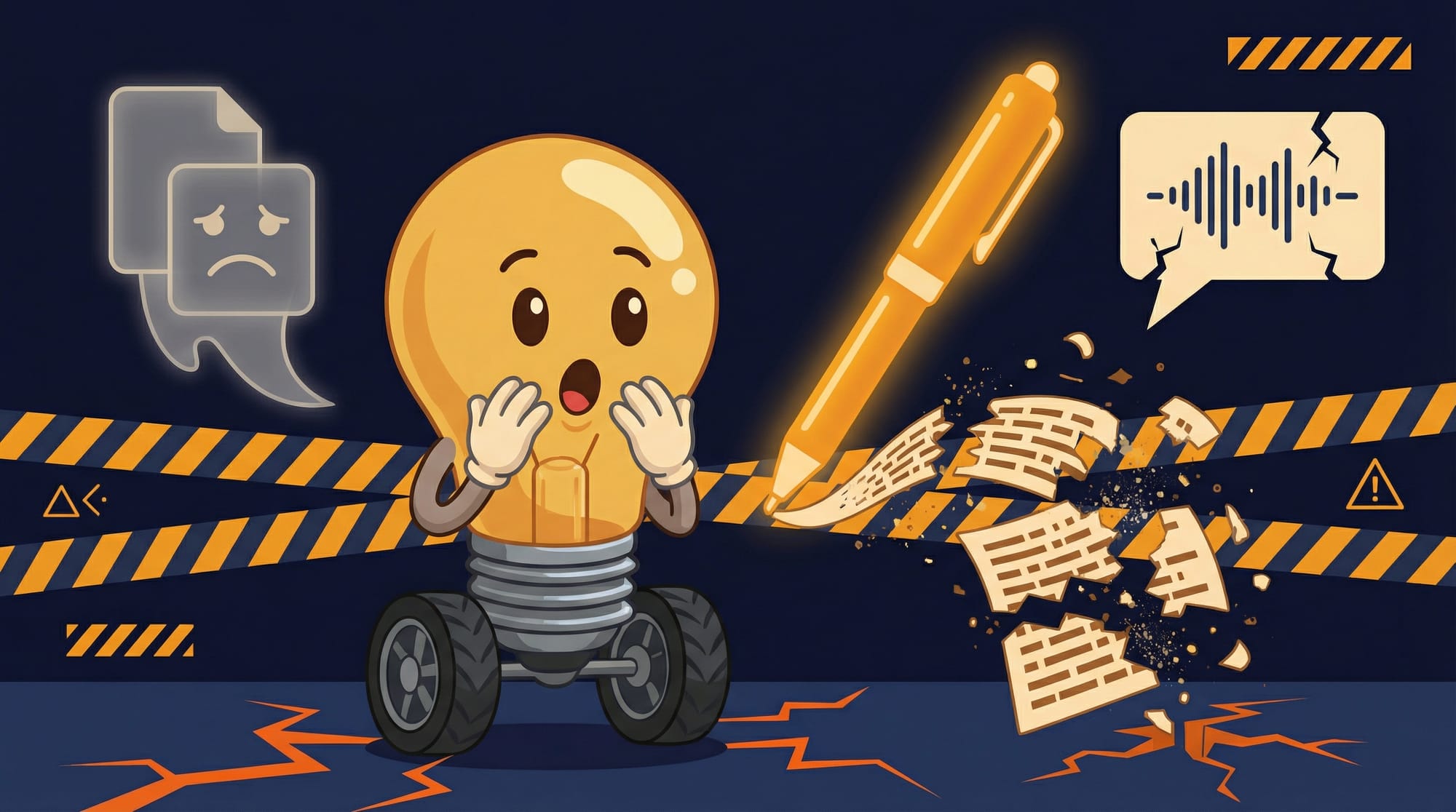
It's Thursday afternoon. You've been using your AI writing tool for two weeks. The honeymoon period is over. Here's what you're about to discover.
First, the context window problem. You're working on a long document—maybe a report, maybe a book chapter. You paste in your notes, your outline, your previous sections. The tool starts forgetting things you told it three prompts ago. The output gets generic because it can't hold your full context.
Second, the voice drift. Your first outputs sounded surprisingly good. But by output fifty, everything has a sameness to it. The tool has patterns. You start recognizing them. Your readers will too.
Third, the editing trap. AI is better at generating first drafts than improving them. You'll spend more time editing AI output than you expected. The tool that writes fast doesn't necessarily write well.
These aren't bugs. They're the current state of the technology. Knowing this upfront saves you from the disappointment cycle I've watched dozens of people go through.
What Should You Watch Out For?
Understanding tradeoffs is core to AI strategy. Here's what the tool vendors won't emphasize:
- **Subscription throttling is real.** That 'unlimited' plan has soft limits. Heavy users on $20/month plans report getting rate-limited during peak usage. Pay-as-you-go avoids this but requires more technical comfort.
- **Long-form context gets expensive.** Every time you paste in background context, you're paying for those input tokens. A 10,000-word context costs roughly the same as generating 10,000 new words. For long projects, this adds up fast.
- **Fine-tuned models lock you in.** Sudowrite's Muse model is great for first drafts—but that expertise doesn't transfer. You're learning a tool, not a skill. If they raise prices or shut down, you start over.
- **The editing bottleneck shifts to you.** AI generates faster than you can review. Most people find their constraint moves from 'writing time' to 'editing time.' Plan for 2-3x more editing than you currently do.
- **Collaboration features cost extra.** Team features in Jasper, shared workspaces in other tools—these are premium tiers. Budget accordingly if you're not working solo.
How Do You Know Your Setup Is Working?
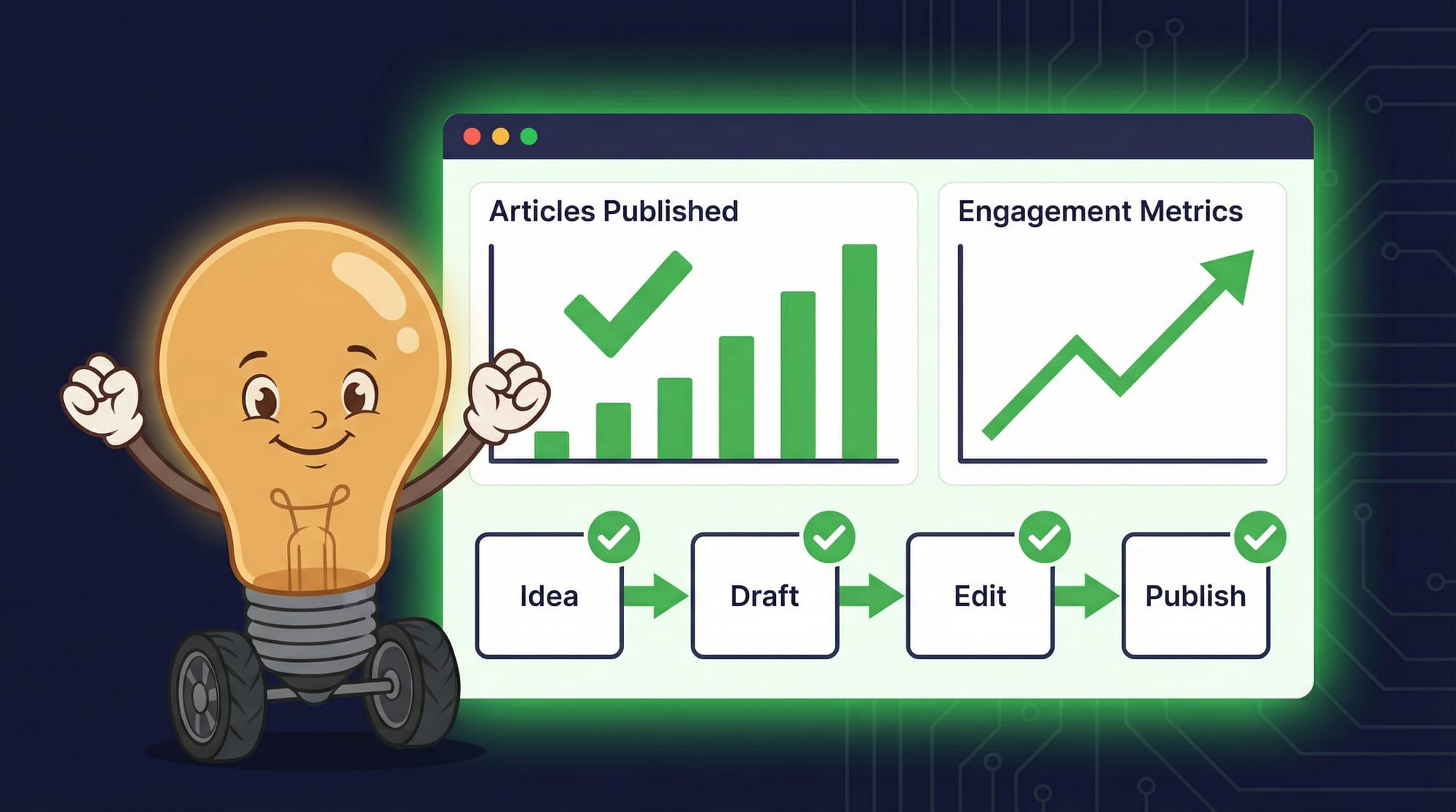
Here's the checklist I use to evaluate whether an AI writing setup is actually helping:
- **Output volume increased.** You're publishing more words per week than before. Not just generating—publishing. Measure final output, not drafts.
- **Time-to-publish decreased.** Track how long from idea to published piece. If this number isn't dropping, the tool isn't helping where it matters.
- **Editing time is predictable.** You know how much cleanup AI output needs. No more surprises where a 'quick edit' becomes a rewrite.
- **You've stopped tool-shopping.** The urge to try the next new thing has faded. You're too busy shipping to care about shiny features.
- **Your voice still sounds like you.** Read your recent output. Does it sound like you wrote it? If readers can't tell the difference, you're using AI as a tool, not a crutch.
Key Takeaways
- Most AI writing tools use identical language models—you're paying for the interface and workflow, not unique AI capabilities.
- The two-tool approach (one specialist + one general chatbot) outperforms tool-hoarding every time. 60% of marketers now use AI daily, but output matters more than adoption.
- Pay-as-you-go through OpenRouter often beats $20/month subscriptions by 2-3x because subscription services throttle heavy usage.
- Expect to spend more time editing than you currently do. AI shifts the bottleneck from generating to reviewing.
- Match your specialist tool to your primary output: Novel Crafter for fiction, Jasper for marketing, Grammarly for editing, ChatGPT for general use.
FAQ
Is the $200/month ChatGPT subscription worth it?
For most business owners, no. The $200/month tier is designed for heavy AI users and businesses needing unlimited flexibility. Unless you're generating over 1.5 million words monthly or need team features, the $20 tier or pay-as-you-go covers most use cases at a fraction of the cost.
Can I use one AI tool for everything?
You can, but you'll get mediocre results across the board. The professionals shipping consistently use two tools: one specialist matched to their primary work type, one general chatbot for everything else. The search for one perfect platform is usually a productivity trap.
Why does Poe seem limited despite having multiple models?
Poe restricts response length and input size regardless of which underlying model you select. Even if a model can handle 100,000-word prompts natively, Poe won't let you send them. This makes it unsuitable for long-form work like books, detailed reports, or extended content projects.
Should I use Sudowrite for all my fiction writing?
Only for first drafts. Sudowrite's fine-tuned Muse model excels at generating initial draft content, but practitioners recommend using other tools for editing, brainstorming, and revision. Use it for what it's best at, not for everything.
How do I avoid the 'AI voice' problem in my content?
Two strategies work: First, use AI for structure and drafts, then heavily edit in your own voice. Second, create detailed style guides and examples that you feed to the AI with each prompt. The goal is AI as collaborator, not AI as replacement. Your editing pass is what makes it sound like you.
